Taller Trees Addon Enhanced Forests for Minecraft Bedrock
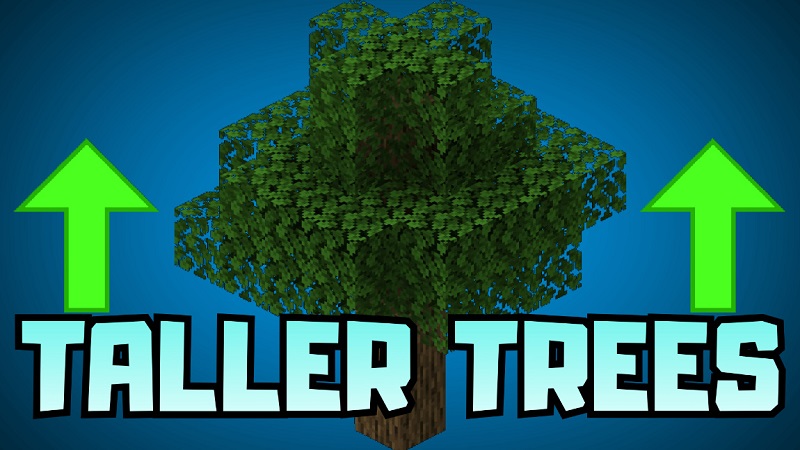
The Taller Trees Addon brings a subtle yet meaningful visual upgrade to Minecraft Bedrock Edition by improving the height and scale of trees across different biomes. If you have ever felt that forests in vanilla Minecraft look flat or repetitive, this addon offers a simple solution. By making trees taller and more proportional, the world feels deeper, more immersive, and closer to how large-scale builds and landscapes are meant to feel.
Designed specifically for Bedrock and MCPE players, the Taller Trees Addon focuses on atmosphere and world design. It does not change survival mechanics, crafting systems, or progression. Instead, it enhances what already exists, making your Minecraft world more enjoyable to explore and build in.
Taller Trees Addon for Better World Design
World design plays a huge role in how Minecraft feels over time. In many survival or creative worlds, players eventually build large bases, villages, or themed structures. At that point, standard trees can feel undersized and out of place.
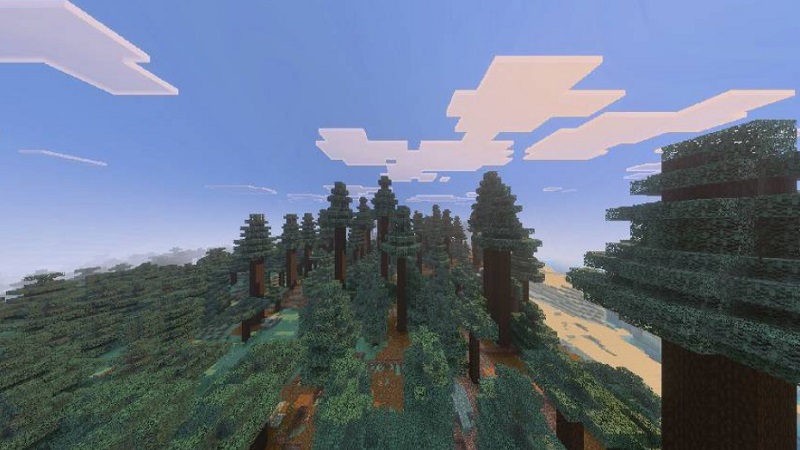
The Taller Trees Addon addresses this by improving environmental scale. Trees grow taller, forests feel fuller, and landscapes look more balanced next to modern builds. The result is a world that feels intentional rather than randomly generated. For players who enjoy a vanilla-style experience with visual improvements, this addon fits naturally into long-term worlds.
Environmental Scale in Minecraft Bedrock
Environmental scale is one of the most overlooked aspects of Minecraft Bedrock Edition. While mountains and builds can be massive, forests often remain short and uniform. This contrast can break immersion, especially when exploring on foot.
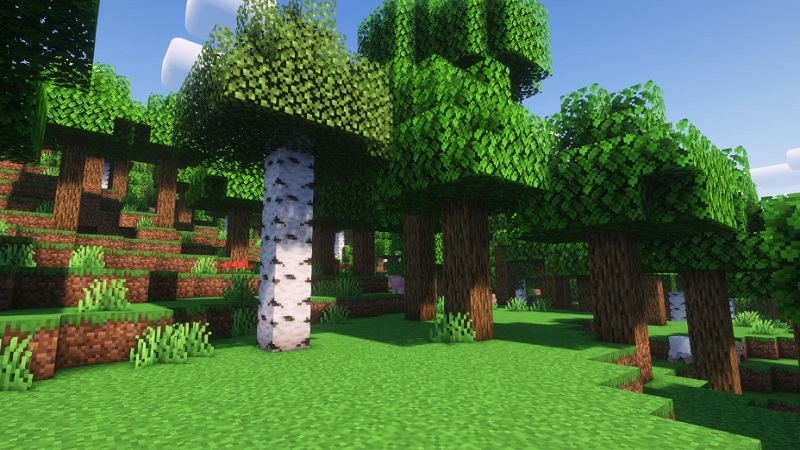
With the Taller Trees Addon, forests gain vertical depth. Taller trunks and higher leaf canopies change how you move through biomes. You no longer see over entire forests from ground level. Instead, you travel through them, surrounded by trees that feel like part of a living environment.
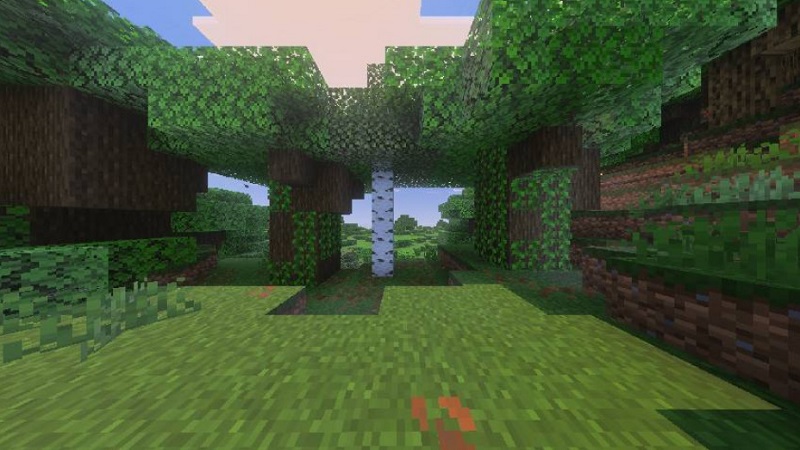
This improvement affects exploration, building, and even simple travel between locations, making the world feel more cohesive.
Forests as Natural Landmarks
Taller forests naturally become landmarks. From a distance, biomes are easier to recognize, and forests feel distinct rather than interchangeable. This is especially helpful in survival worlds, where navigation often relies on visual cues.
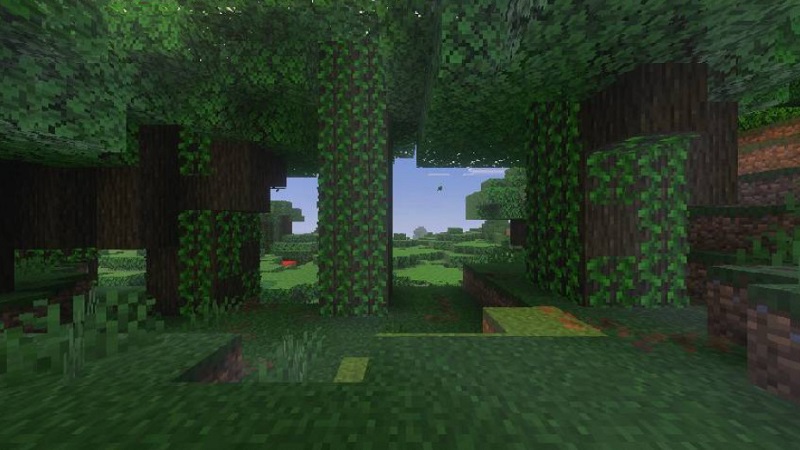
Instead of feeling like filler terrain between points of interest, forests become destinations themselves. Over time, this creates stronger world identity and makes exploration more rewarding.
Building With Taller Trees in Mind
For builders, the Taller Trees Addon offers immediate benefits. Cabins blend better into wooded areas. Villages feel grounded within forests. Large builds no longer dominate the landscape in an unnatural way.
Players who enjoy medieval, fantasy, or nature-themed builds will notice how much easier it becomes to integrate structures into the environment. Trees stop competing with builds and start supporting them visually.
Creative Mode & Cinematic Screenshots
In Creative Mode, this addon becomes a powerful visual tool. Taller trees create better backgrounds for screenshots, map previews, and flyover views. Forests look more layered, with stronger depth and more natural silhouettes.
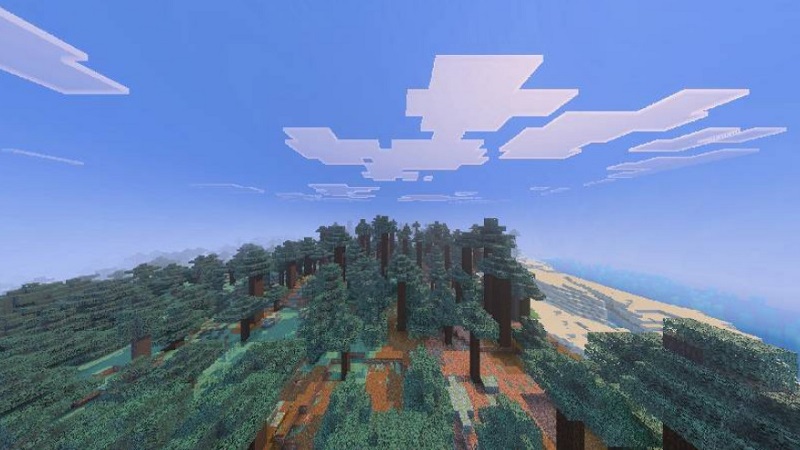
Even without shaders, the Taller Trees Addon improves how worlds look from different angles. When combined with lighting or sky enhancements, forests can feel cinematic without losing the classic Minecraft style.
Survival Worlds That Feel More Real
The Taller Trees Addon keeps survival gameplay familiar. Trees still behave the same way, but harvesting feels more engaging. Taller trees often provide more wood, and players may need to plan how they chop or climb.
Importantly, progression and balance remain unchanged. There are no new tools or mechanics to learn. The addon simply makes survival worlds feel more grounded and immersive, especially over long play sessions.
Performance on Mobile Devices
Performance matters, especially for MCPE players on phones and tablets. The Taller Trees Addon is designed with lightweight world-generation changes rather than complex systems.
While results can vary depending on device and active addons, the focus remains on smooth gameplay. This makes the addon suitable for solo play, creative worlds, and multiplayer Bedrock environments.
Addon Compatibility for Creative Setups
The Taller Trees Addon works well with most texture packs, shaders, and visual enhancement addons. Because it follows a vanilla-friendly approach, it helps maintain visual consistency and reduces the chance of conflicts.
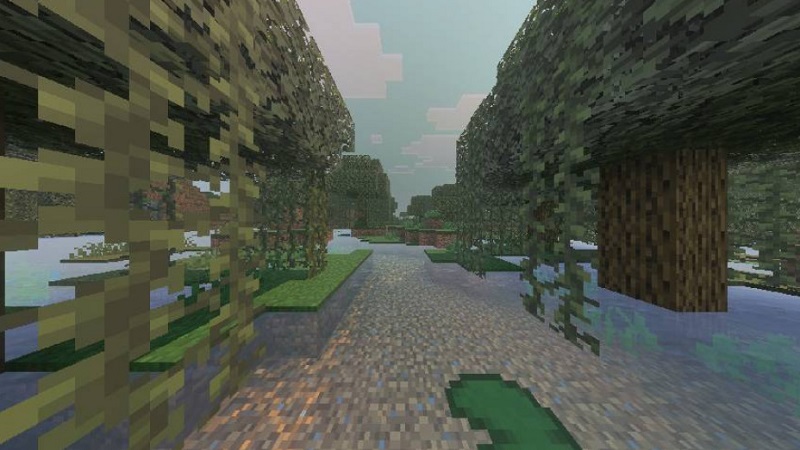
If you plan to combine multiple addons, testing them together in Creative Mode first is always a good idea, especially for long-term survival worlds.
Tips for Best Visual Results
- Use the addon in new worlds or newly generated chunks
- Forest-heavy biomes show the effect most clearly
- Combine with lighting or sky enhancements for added atmosphere
- In survival mode, scaffolding or ladders make harvesting easier
These small steps help you get the most out of the Taller Trees Addon.
Closing Thoughts for Builders & Creators
The Taller Trees Addon shows how small visual changes can significantly improve the Minecraft Bedrock experience. By enhancing tree height and environmental scale, it makes forests feel more natural, builds more balanced, and exploration more engaging.
If you enjoy subtle, atmosphere-focused improvements that respect vanilla gameplay, this addon is a strong addition to your MCPE world. It does not try to replace Minecraft’s identity—it simply helps it feel more complete.