Phantom Visuals Shader Cinematic Graphics Addon
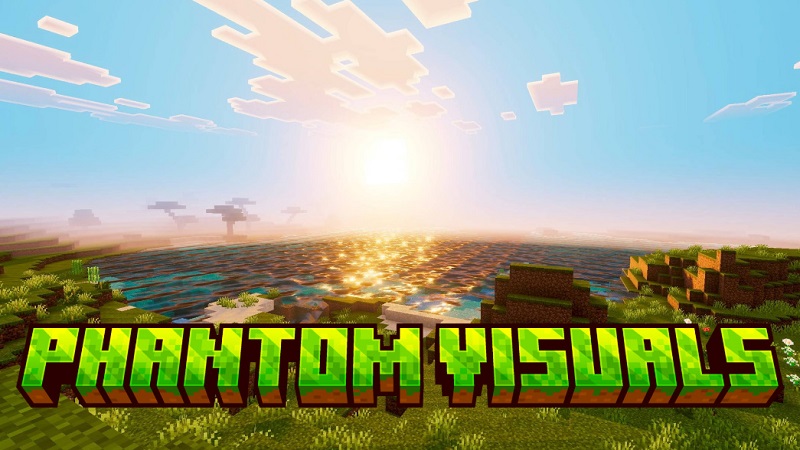
Phantom Visuals Shader is a visual addon made for Minecraft Bedrock Edition players who want a more cinematic and refined look without changing how the game plays. If you enjoy exploring, building, or simply relaxing in your Minecraft world, this shader helps improve lighting and atmosphere while keeping everything familiar. Designed with mobile performance and visual balance in mind, Phantom Visuals Shader fits naturally into everyday MCPE gameplay.
Phantom Visuals Shader at a Glance
At its core, Phantom Visuals Shader is a cosmetic shader addon for Minecraft Bedrock and MCPE. It does not add new items, blocks, or mechanics. Instead, it focuses on visual presentation—how light interacts with the world, how environments feel, and how builds appear during normal play.
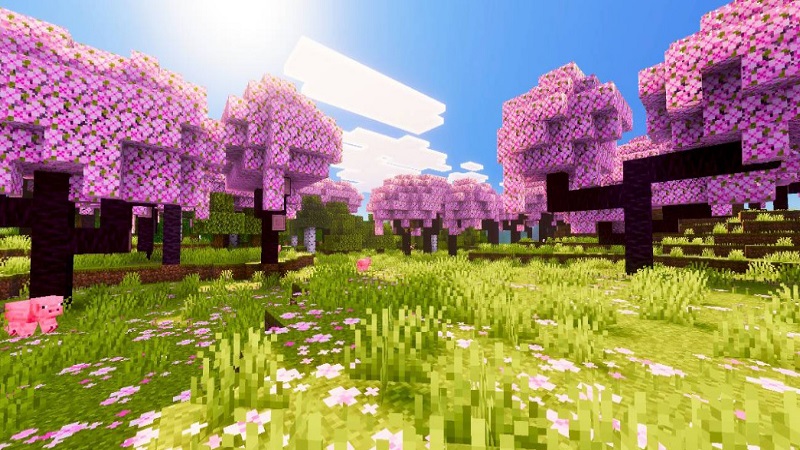
Many players install shaders to refresh Minecraft without starting over. This shader does exactly that. It enhances the look of your world while respecting the original Minecraft style, making it suitable for long survival worlds, creative projects, and casual sessions alike.
Visual Style and Cinematic Appeal
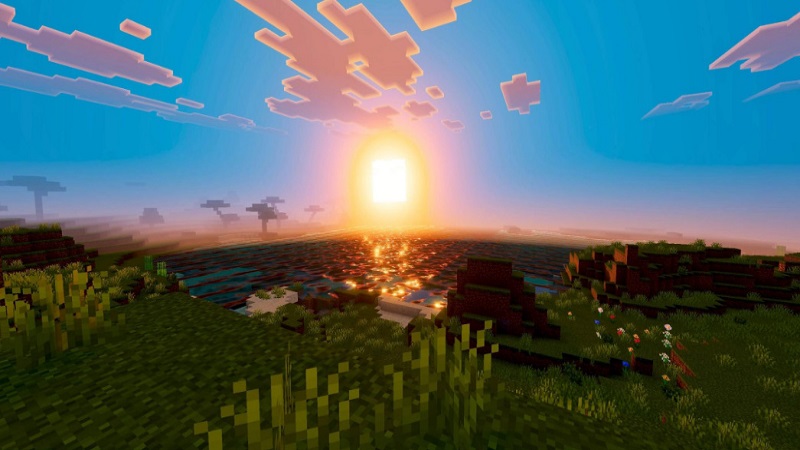
The visual style of Phantom Visuals Shader leans toward a soft cinematic look rather than extreme effects. Lighting appears smoother, shadows feel more natural, and colors remain balanced. This approach keeps the game comfortable to look at on mobile screens, which is important for MCPE players who play for longer periods.
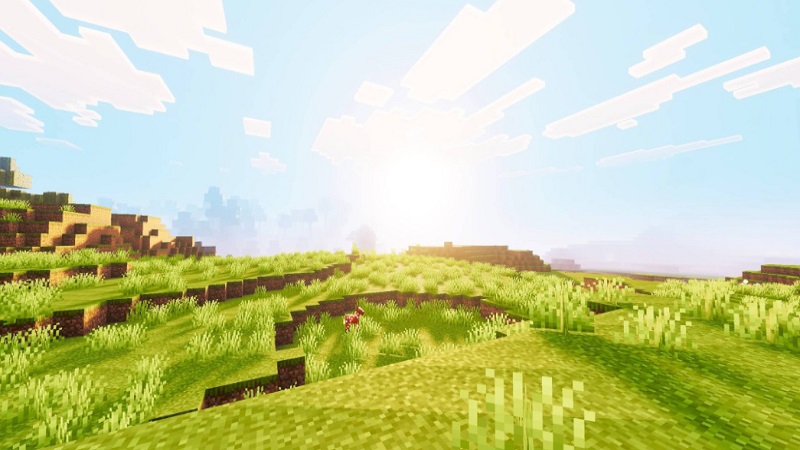
Instead of heavy filters or dramatic contrasts, the shader focuses on subtle improvements. Forests feel calmer, open landscapes gain depth, and builds stand out more clearly without losing detail. Minecraft still looks like Minecraft—just more polished.
Why It Stands Out on MCPE
What makes Phantom Visuals Shader stand out on MCPE is its Bedrock-friendly design. Many shaders are built with high-end systems in mind, but this addon focuses on consistency and stability within the Bedrock engine.
The shader aims to deliver:
- Stable visuals across different biomes
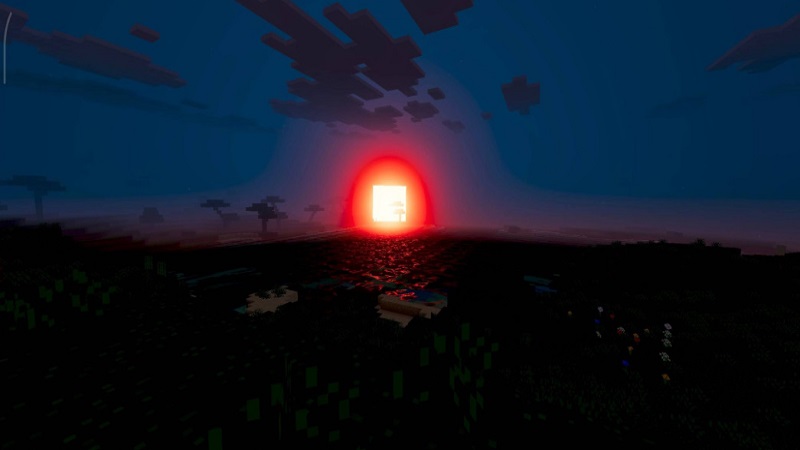
- Smooth lighting during day and night cycles
- A consistent look in survival and creative mode
Because of this balance, the shader feels practical for real gameplay, not just screenshots or showcase worlds.

Smooth Performance on Mobile
Performance matters on mobile, and Phantom Visuals Shader is designed as a lightweight visual enhancement. By avoiding complex effects, it helps keep gameplay smooth on a wide range of devices.
While performance can vary depending on your phone or tablet, the shader prioritizes clarity over intensity. You get improved visuals without pushing the game beyond what most MCPE devices can comfortably handle. This makes it suitable for players who want better graphics without sacrificing playability.
Supported Devices and Versions
Phantom Visuals Shader is built for Minecraft Bedrock Edition, including MCPE. Compatibility depends on the version of Minecraft you are using, so it’s always important to check that your game supports shaders and resource packs.
Results may vary slightly between Android and iOS devices due to hardware differences, but the shader follows standard Bedrock addon behavior and integrates through the resource pack system.
How It Changes World Atmosphere
One of the strongest features of Phantom Visuals Shader is how it improves world atmosphere. Lighting feels more natural, terrain looks more dimensional, and builds gain extra presence.
Day and night transitions appear smoother, which helps your world feel more cohesive. Whether you are walking through a village at sunset or mining during the night, the shader enhances mood without distracting from gameplay.
Simple Installation Overview
Installing Phantom Visuals Shader follows the standard MCPE addon process:
- Import the shader file into Minecraft
- Activate it through the Resource Packs menu
- Apply it to your world
No advanced settings or technical knowledge are required. If you have installed Bedrock shaders before, the process will feel familiar.
Best Ways to Use the Shader
Phantom Visuals Shader works especially well in:
- Survival worlds focused on exploration and base building
- Creative projects where presentation matters
- Scenic maps and long-term saves
- Worlds combined with compatible texture packs
Because it only affects visuals, you can use it across many playstyles without adjusting how you play.

Player Experience Summary
From a player’s point of view, Phantom Visuals Shader offers a comfortable visual upgrade. It improves lighting and atmosphere without adding complexity or confusion. Players who enjoy immersion, aesthetics, and relaxed gameplay often find it easy to use and easy to keep enabled long-term.
Final Visual Impression
Phantom Visuals Shader is best described as a subtle cinematic enhancement for MCPE. It focuses on balance, consistency, and atmosphere rather than extreme visual effects. If you want Minecraft to look cleaner and more refined while still feeling familiar, this shader is a solid choice for Bedrock Edition players.