Minecraft PE 1.26.0.28 Beta Brings Advanced Editor Tools
Minecraft PE 1.26.0.28 Beta continues to refine the Bedrock Edition experience by focusing on what creative players value most: better control, smoother editing, and smarter tools. Instead of chasing flashy gameplay changes, this beta quietly improves how worlds are built, edited, and managed—especially for players who spend hours shaping environments in Creative Mode. If you enjoy building maps, experimenting with layouts, or refining large projects, this update speaks directly to you.
Overview of Minecraft PE 1.26.0.28 Beta
This beta version is part of the ongoing evolution of Minecraft Bedrock, with a clear emphasis on productivity and precision. Minecraft PE 1.26.0.28 Beta aims to make world editing more flexible while reducing unnecessary steps during creative work.
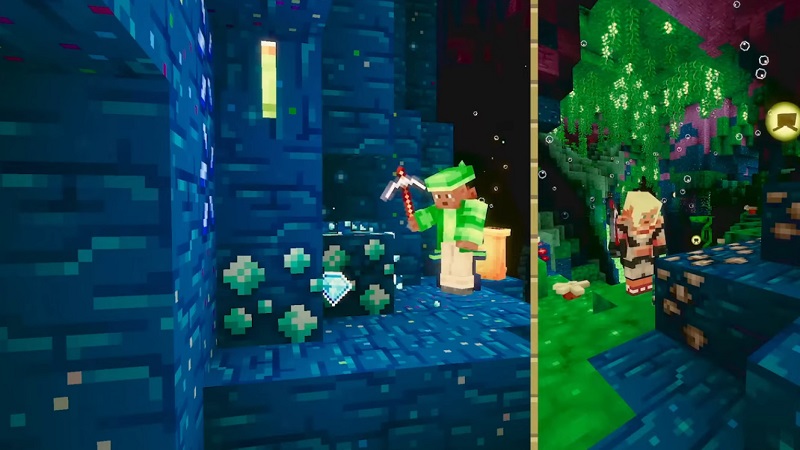
Rather than changing how the game is played, the update improves how creators interact with their worlds. The result is a cleaner, more efficient creative process that feels better suited for structured building and long-term projects on mobile devices.
Advanced Editor Tools in Minecraft PE 1.26.0.28 Beta
At the core of this update are advanced editor tools designed to support more serious creative work. Before diving into specific improvements, it’s important to understand how these tools connect: they focus on scale, control, and efficiency. Together, they form a stronger foundation for creative players who want to build faster without losing accuracy.
Enhanced World Editing Capabilities
World editing now feels more consistent and reliable. The improved tools allow you to work with larger sections of a world while keeping changes precise. Instead of repeating the same actions block by block, you can apply edits more evenly across terrain, structures, or environments.
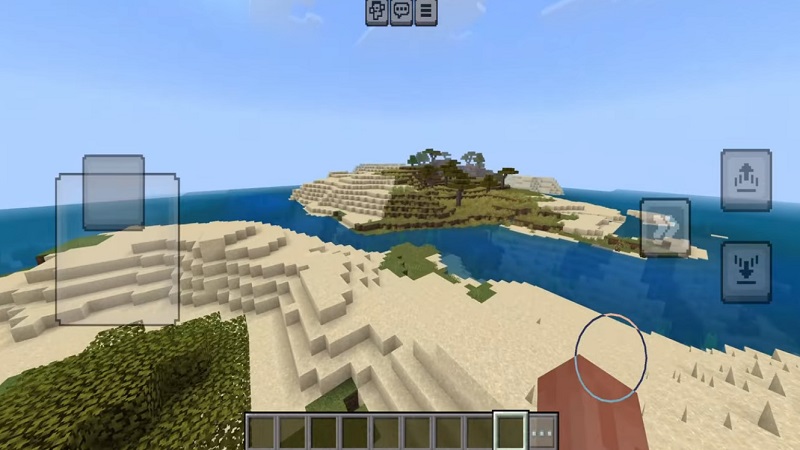
For example, adjusting land shapes or refining a build no longer feels like a slow manual process. You gain more confidence when experimenting, knowing you can manage changes without disrupting the overall design.
Tools Designed for Large-Scale Builds
If you enjoy working on large maps or expansive builds, this beta clearly supports that style. Minecraft PE 1.26.0.28 Beta improves how large selections and complex edits are handled, making ambitious projects more practical on mobile.

This means less time fixing small mistakes and more time focusing on creative decisions. Large builds become easier to manage, even as projects grow in size and complexity.
More Control for Creative Projects
Beyond size and speed, control matters. The editor tools in this beta offer finer adjustments, helping you shape worlds with greater precision. This balance between simplicity and control makes the tools accessible to new creators while still rewarding experienced builders who want deeper customization.
Improved World Editing Workflow
Creative work flows better when tools feel intuitive. This beta reduces friction by streamlining common editing actions. Tasks that once required multiple steps now feel more direct, helping you move from idea to execution without breaking focus.
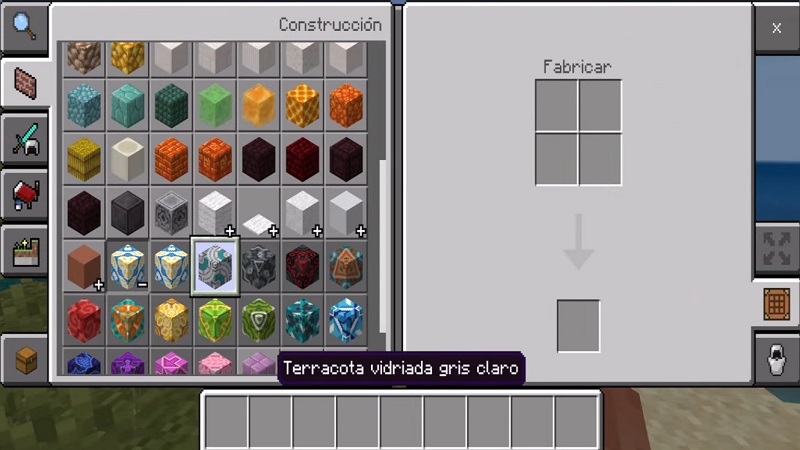
If you’ve ever felt slowed down during long building sessions, these workflow improvements make a noticeable difference.
Interface and Editing Control Enhancements
The interface supports the new tools with clearer layouts and more readable controls. On touch-based devices, this matters a lot. Editing feels more responsive, and controls are easier to understand at a glance.

Clear visual feedback helps you stay oriented while working, reducing errors and making creative sessions more comfortable.
Performance and Stability Improvements
Creative editing can be demanding, especially in large worlds. Minecraft PE 1.26.0.28 Beta improves stability during editing sessions, helping reduce interruptions and slowdowns.

While beta versions always evolve, these performance refinements create a more reliable environment for extended creative work.
Impact on the Bedrock Creative Experience
Overall, Minecraft PE 1.26.0.28 Beta strengthens the creative side of Bedrock Edition. Advanced editor tools, smoother workflows, and better control give creators more freedom to build with confidence.
This update doesn’t just add features—it reinforces Minecraft as a long-term creative platform where your ideas can grow alongside the tools that support them.