Texture Packs
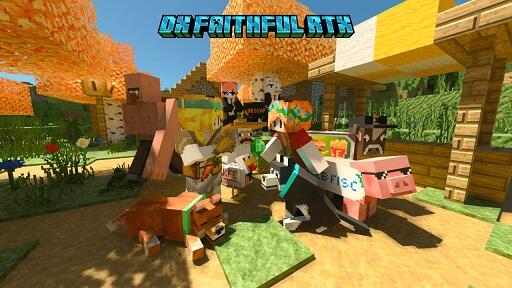
DX Faithful RTX
Background on DX Faithful RTX Texture Pack Designed by Banane DX and the Pixel² Studios team, the DX Faithful RTX...
Read More
Background on DX Faithful RTX Texture Pack Designed by Banane DX and the Pixel² Studios team, the DX Faithful RTX...
Read More
Introduction Users of Minecraft PE who are looking to get a strategic edge in combat may find that the Hitbox...
Read MorePlayers of Minecraft Pocket Edition (PE) may download texture packs that enable even greater customising of the appearance of their blocks, objects, and animals.
These packs have a wide range of designs ranging from realistic textures to whimsical and comical patterns, therefore allowing a great spectrum of tastes. By changing the graphics to include more depth and richness, texture packs help to improve the fundamental pictures of a game.
To finish the installation, just download the desired texture pack, install it, then activate it in-game. There isn’t an easier way to install a texture pack.
This simple approach will let players of different degrees to personalise their gaming experience to suit them.
Texture packs are a simple and quick way to change the look of Minecraft PE whether your goal is to give it a fresh look or make the environment seem more liflike. You could use them to produce any one of these results.







