Texture Packs
Low Shield
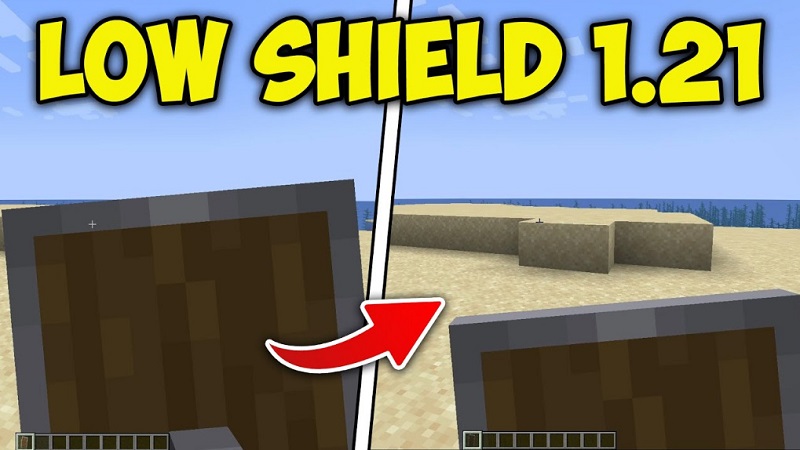
Low Shield Texture Pack Clear View Combat for MCPE The Low Shield Texture Pack is a lightweight resource pack for...
Read More
Low Shield Texture Pack Clear View Combat for MCPE The Low Shield Texture Pack is a lightweight resource pack for...
Read More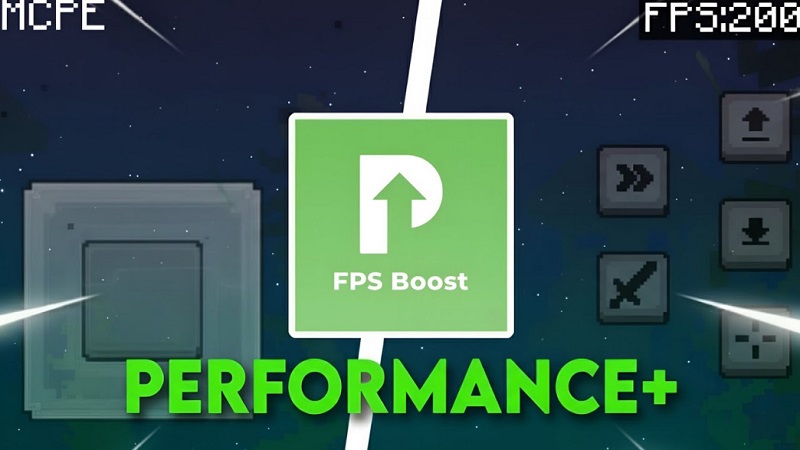
FPS Booster Pack Performance Texture for MCPE The FPS Booster Pack is a performance-focused resource pack designed to help Minecraft...
Read More
Boosted FPS Pack Performance Texture Pack for MCPE Minecraft Pocket Edition runs on many different mobile devices, and not all...
Read More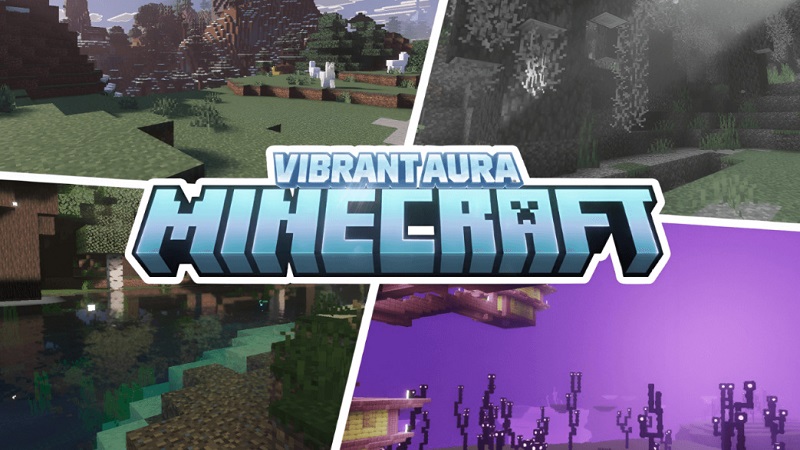
Vanilla x Optimizer FPS Boost Pack for MCPE & Bedrock Vanilla x Optimizer FPS Boost Pack is a performance-focused texture...
Read More
FPS Optimizer Pack Performance Resource Pack for Mobile If you play Minecraft Bedrock Edition on a mobile device, you already...
Read More
Performance Plus Texture Pack Smooth Gameplay Textures Minecraft Bedrock Edition is played on many different devices, from powerful PCs to...
Read More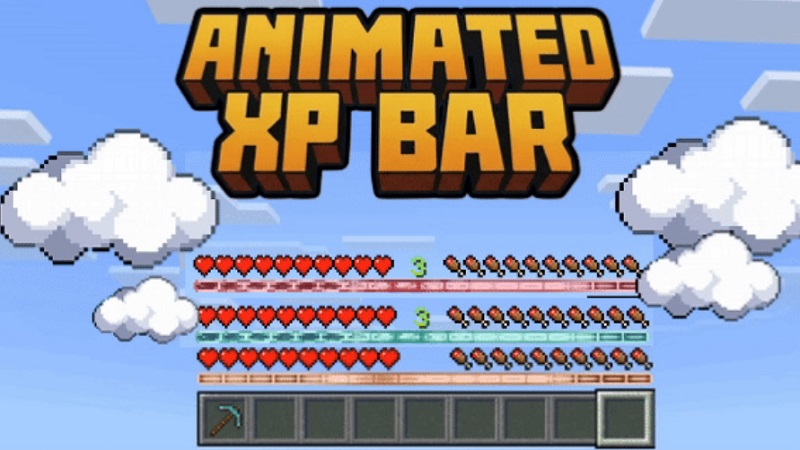
as previously discussed. Animated XP Bars Texture Pack for MCPE & Bedrock The Animated XP Bars Texture Pack is a...
Read More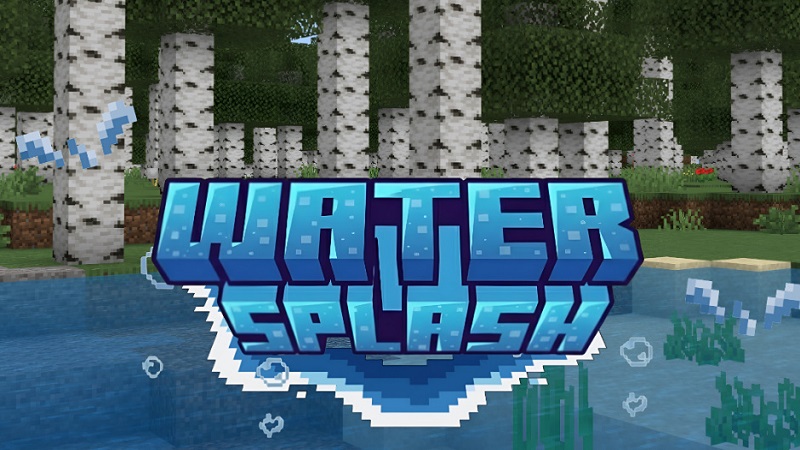
Water Splash Animation Texture Pack for MCPE & Bedrock If you enjoy Minecraft Bedrock Edition on mobile or PC, you’ve...
Read More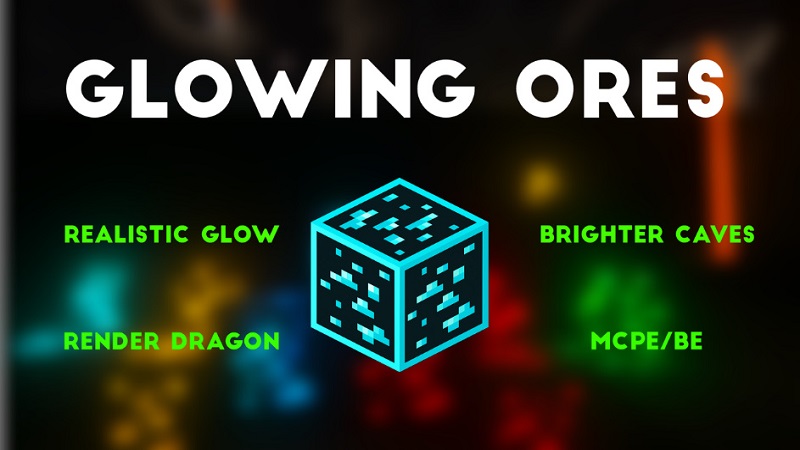
Glowing Ores Texture Pack Vanilla Friendly Ore Glow The Glowing Ores Texture Pack is a lightweight visual upgrade created for...
Read More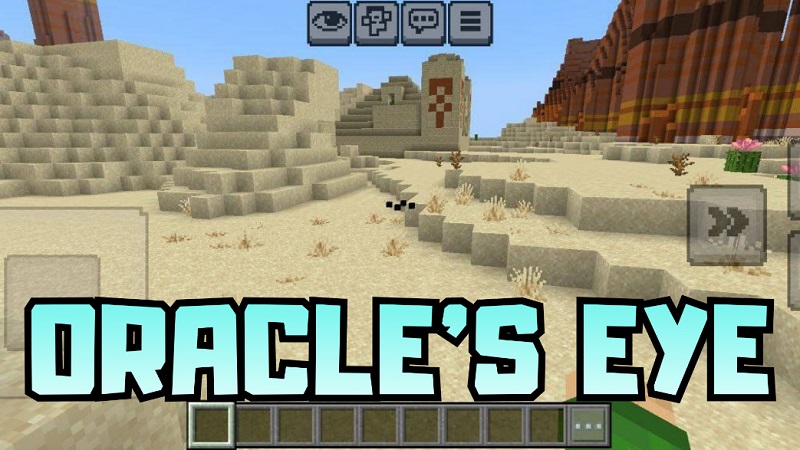
Oracle’s Eye Texture Pack Clean & Atmospheric MCPE Oracle’s Eye Texture Pack is a lightweight resource pack created for players...
Read More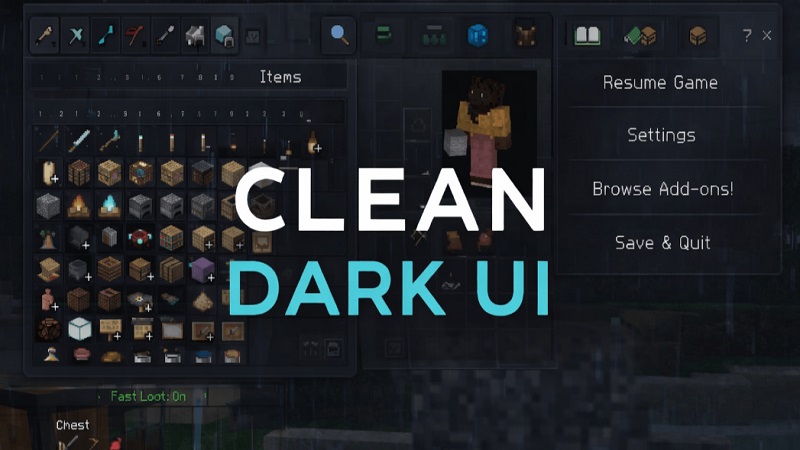
Clean Dark UI Texture Pack Modern MCPE UI If you play Minecraft Bedrock Edition on your phone or tablet, you...
Read MorePlayers of Minecraft Pocket Edition (PE) may download texture packs that enable even greater customising of the appearance of their blocks, objects, and animals.
These packs have a wide range of designs ranging from realistic textures to whimsical and comical patterns, therefore allowing a great spectrum of tastes. By changing the graphics to include more depth and richness, texture packs help to improve the fundamental pictures of a game.
To finish the installation, just download the desired texture pack, install it, then activate it in-game. There isn’t an easier way to install a texture pack.
This simple approach will let players of different degrees to personalise their gaming experience to suit them.
Texture packs are a simple and quick way to change the look of Minecraft PE whether your goal is to give it a fresh look or make the environment seem more liflike. You could use them to produce any one of these results.