Lumina Visuals Shader Enhanced Vanilla Graphics
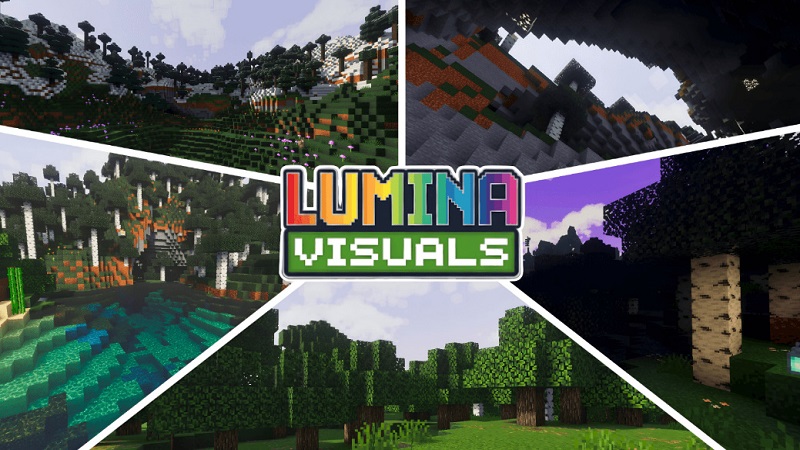
Lumina Visuals Shader is a visual enhancement created to refresh the look of Minecraft Bedrock Edition while staying true to the original vanilla style. If you enjoy Minecraft the way it is—but wish the lighting felt warmer, the colors more balanced, and the world slightly more alive—this shader was made with you in mind. It improves atmosphere and visual clarity without changing gameplay mechanics or pushing your device too hard, making it a solid choice for MCPE players who value both beauty and performance.
Introduction What Is Lumina Visuals Shader?
Lumina Visuals Shader is designed specifically for Minecraft Bedrock Edition (MCPE) and other Bedrock-based platforms. Its purpose is simple: enhance lighting, colors, and environmental effects while keeping gameplay smooth and familiar.
Unlike realistic shaders that attempt to transform Minecraft into a different game, Lumina Visuals Shader follows an enhanced vanilla approach. You still recognize the same blocks, biomes, and lighting logic—just presented in a cleaner and more immersive way. Whether you play survival after school, build creative worlds on weekends, or explore multiplayer realms with friends, this shader fits naturally into your routine.
Core Visual Improvements (Lighting, Colors, Atmosphere)
The most noticeable change you’ll see with Lumina Visuals Shader is lighting. Daytime light feels softer and more natural, while sunrise and sunset transitions appear smoother and more cinematic. At night, light sources such as torches, lanterns, glowstone, and lava produce a gentle glow that improves visibility without washing out the environment.
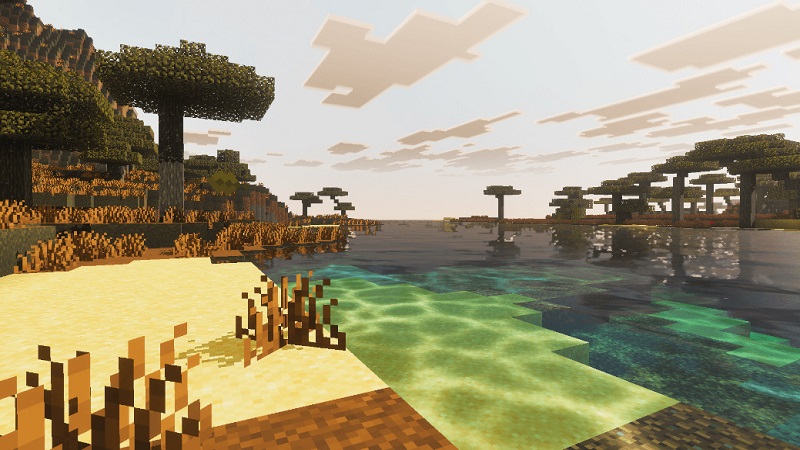
Color adjustments are subtle but effective. Grass looks healthier, foliage appears richer, and terrain tones feel more consistent across biomes. Forests gain depth, plains feel brighter, and deserts keep their warm identity without looking flat or dull.
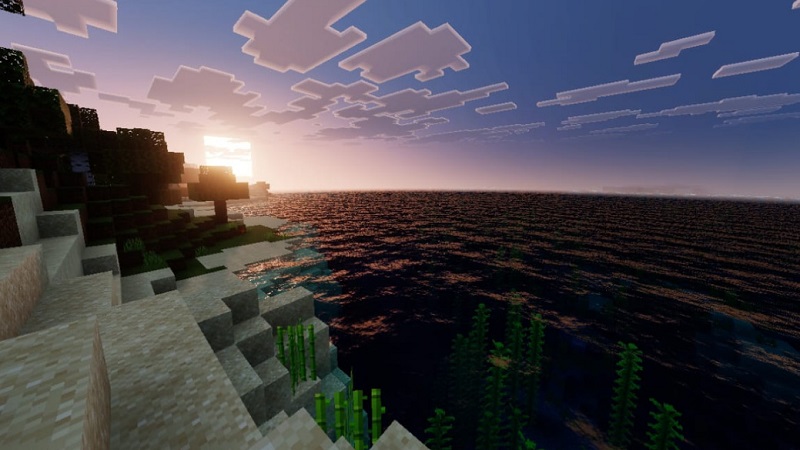
Water visuals also receive attention. Rivers, oceans, and lakes appear clearer, with improved transparency that helps you see underwater terrain more easily. Combined with subtle reflections, water feels calmer and more realistic during exploration or coastal building.
To complete the atmosphere, Lumina Visuals Shader adds light fog and improved sky visuals. These effects help distant terrain feel larger and more immersive, especially when traveling through mountains or wide-open landscapes.
Enhanced Vanilla Style Explained
The key philosophy behind Lumina Visuals Shader is enhancing what already works. Textures remain readable, block shapes stay familiar, and contrast levels are carefully balanced. This prevents eye strain and makes long play sessions more comfortable.
Because the shader respects Minecraft’s original design, it works best with:
- Default textures
- Faithful-style packs
- Light HD resource packs
You don’t need to relearn how your world looks. Instead, your existing builds simply feel more complete under improved lighting and color balance.
Gameplay Experience on MCPE
In real gameplay, Lumina Visuals Shader enhances immersion without distraction. Survival mode feels more atmospheric, making it easier to sense time of day and environmental changes just by looking around. Caves feel moody but still playable, while outdoor exploration becomes more enjoyable thanks to improved depth and lighting.
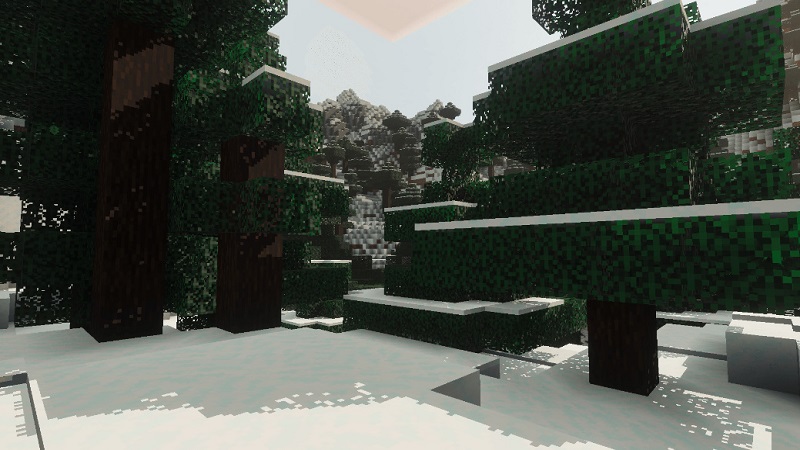
Building is where many players notice the biggest improvement. Interiors look warmer, exterior builds stand out better against the landscape, and details feel clearer under natural light. If you enjoy taking screenshots or sharing your worlds, the shader adds a polished look that often requires little to no editing.
Most importantly, Lumina Visuals Shader does not interfere with controls, mechanics, or progression. It’s designed to blend into your gameplay, not compete with it.
Performance & Device Compatibility
Performance is a major priority for Lumina Visuals Shader. It is optimized for Minecraft Bedrock Edition, making it suitable for many phones, tablets, and Windows devices.
Compared to heavier Bedrock shaders, it has a lower impact on FPS and system resources. While performance can vary depending on your device and settings, the shader is designed for stable, everyday gameplay rather than short visual showcases.
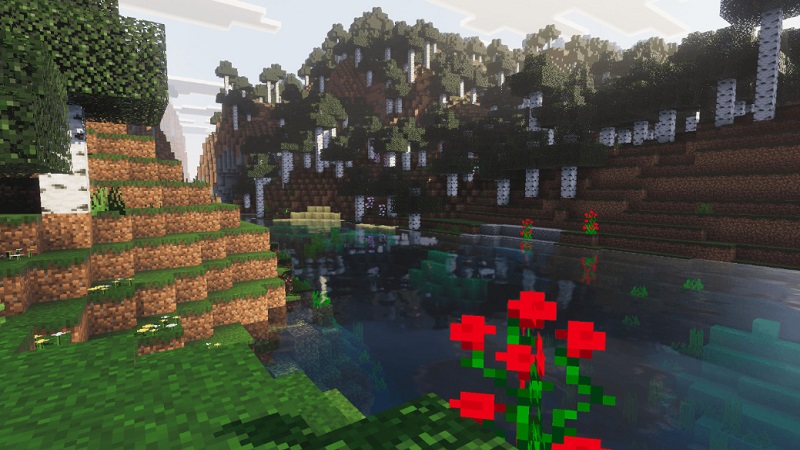
For smoother results on lower-end devices, small adjustments—such as reducing render distance or closing background apps—can make a noticeable difference.
Comparison With Other Bedrock Shaders
Many Bedrock shaders fall into two extremes: ultra-realistic packs that look impressive but strain performance, or basic shaders that barely change the visuals. Lumina Visuals Shader sits comfortably between these options.
It delivers clear visual improvements while maintaining stability, making it a practical choice for long-term survival worlds, creative projects, and multiplayer sessions where consistency matters more than flashy effects.
Recommended Settings & Tips
For the best experience with Lumina Visuals Shader:
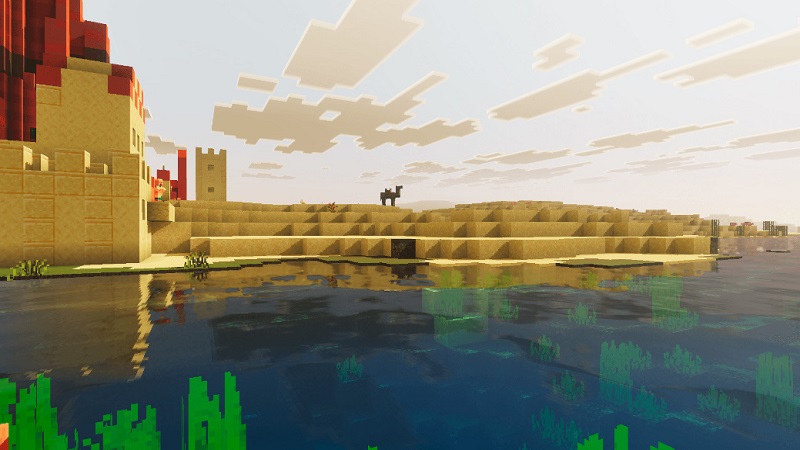
- Use default or light HD texture packs
- Increase brightness slightly if nights feel too dark
- Keep render distance at a moderate level
- Close background apps on mobile devices
- Adjust settings gradually to match your device
The shader focuses only on visuals and is generally compatible with many addons and custom maps.
Final Thoughts Who This Shader Is For
Lumina Visuals Shader is ideal for players who want better visuals without changing how Minecraft feels. It’s well suited for:
- Survival and exploration players
- Builders who care about lighting and atmosphere
- Content creators who want cleaner screenshots
- MCPE users who value performance and stability
If you want Minecraft to look more refined while staying true to its vanilla roots, Lumina Visuals Shader is a reliable and enjoyable upgrade for everyday play.