Lotiif Visuals Shader Cinematic Lighting for MCPE
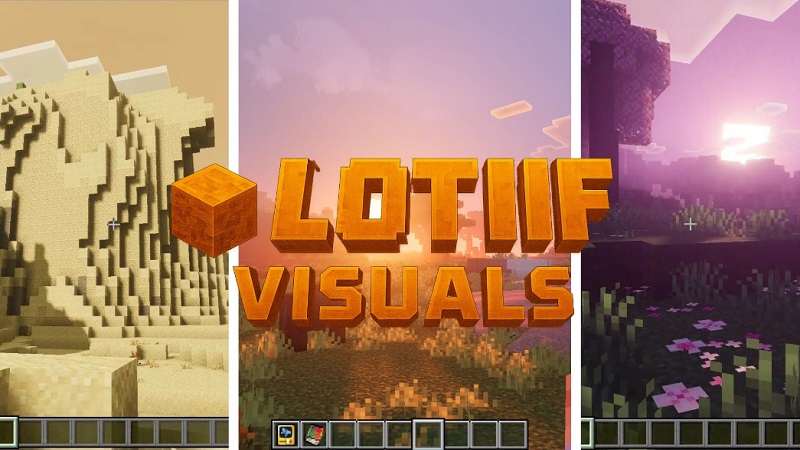
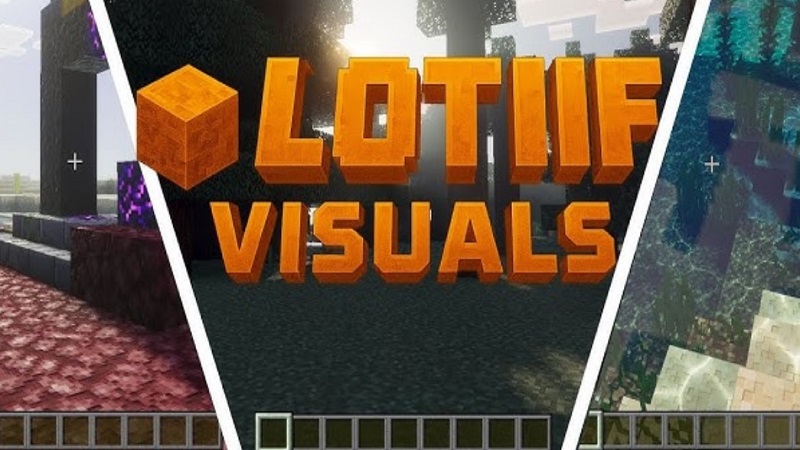
If you enjoy shaping worlds in Minecraft Pocket Edition, visuals matter more than you might think. Lotiif Visuals Shader is a visual enhancement add-on built specifically for MCPE and Minecraft Bedrock Edition, designed to improve lighting, atmosphere, and clarity without changing the game’s original style. Instead of adding flashy effects, it refines how light, shadows, and colors behave, making your world feel more immersive and expressive—especially on mobile devices.
For builders, creators, and players who love sharing screenshots or short videos, Lotiif Visuals Shader offers a balanced upgrade. You get cinematic lighting and better depth while keeping performance at a level that still feels comfortable for everyday play.
Why Content Creators Use Lotiif Visuals Shader
Many MCPE content creators choose Lotiif Visuals Shader because it focuses on presentation rather than extreme realism. The lighting system reacts naturally to the in-game time of day, which means scenes change mood without extra effort from you.
- Sunrises and sunsets bring warm tones and soft shadows
- Daytime lighting stays clean and readable
- Night scenes feel atmospheric without becoming too dark
This balance makes screenshots and recordings look polished straight from the game. If you’ve ever tried to capture a build on your phone and felt the lighting looked flat, this shader solves that problem.
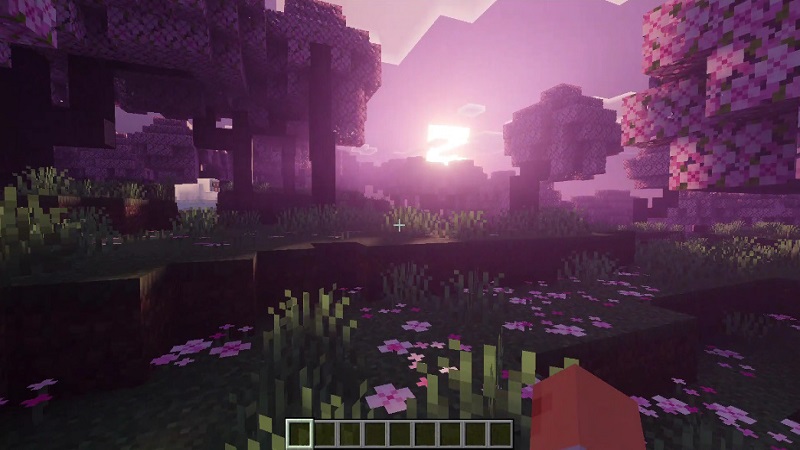
Another reason creators trust Lotiif Visuals Shader is that it keeps Minecraft recognizable. Blocks, textures, and colors remain familiar. They simply look better lit and more defined. That matters when your audience expects a Minecraft look, not something completely different.
Performance also plays a big role. Many MCPE players record directly on their phones or tablets. This shader delivers visible improvements while staying manageable on modern devices, making it suitable for longer creative sessions.
Best In-Game Scenarios for Visuals
Lotiif Visuals Shader shines in moments where lighting and atmosphere shape the experience. Some in-game situations show its strengths especially well.
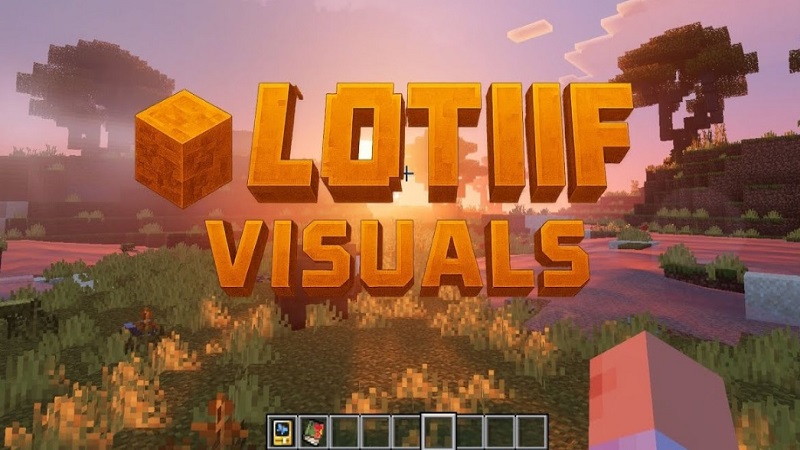
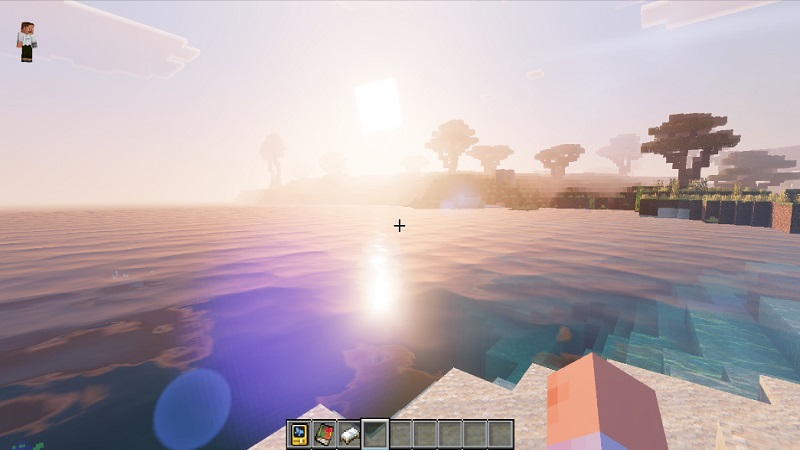
- Sunrise and sunset: Warm light creates dramatic scenes and long shadows
- Open landscapes: Plains, mountains, and coastlines gain depth and scale
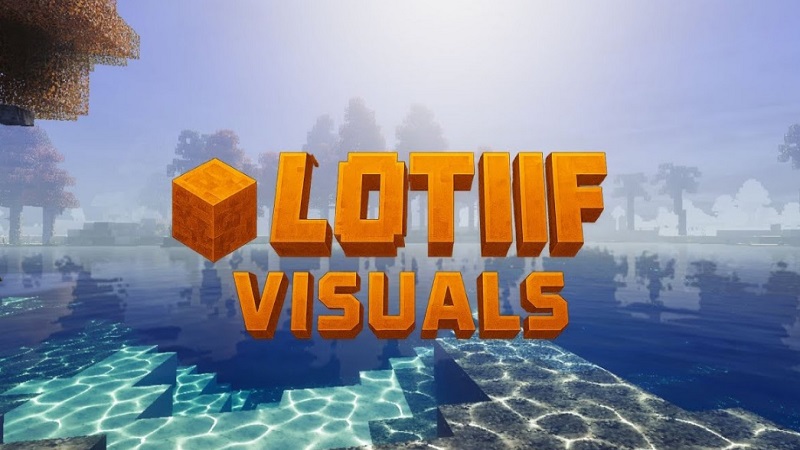
- Water areas: Rivers, lakes, and oceans reflect sky colors naturally
- Large builds: Castles, cities, and bridges gain contrast and structure
Forests and natural biomes feel more immersive as light filters through uneven terrain. Because the shader responds strongly to time of day, you can easily adjust the mood of a scene just by changing the in-game clock. This makes visual storytelling much easier.
Screenshot & Video Tips for MCPE
You don’t need advanced tools to get great results with Lotiif Visuals Shader. A few simple habits can improve your screenshots and videos.
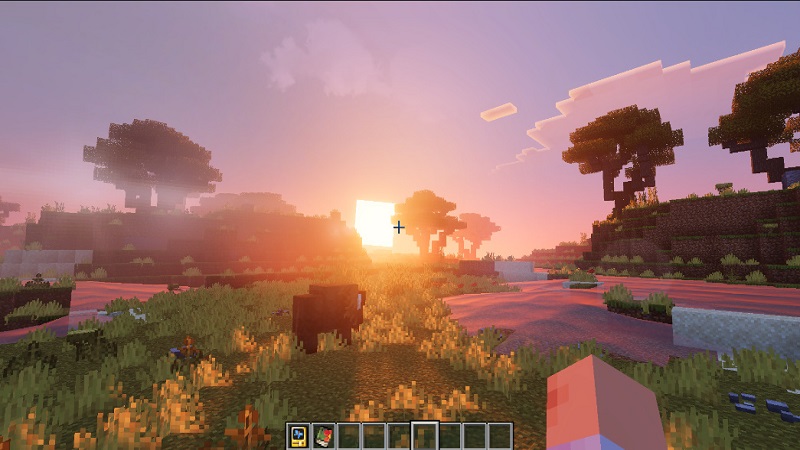
- Choose sunrise or sunset for dramatic lighting
- Use wider camera angles to show depth and shadows
- Position your build with the sun slightly to the side
- Keep scenes clean so lighting stands out
- Record during stable performance moments
Consistent lighting across scenes also helps thumbnails look cleaner and more professional. Even small adjustments can make a big difference when viewers scroll through content quickly.
Texture Packs That Pair Well
Lotiif Visuals Shader works best with vanilla-style or lightly enhanced texture packs. Standard 16x or 32x textures usually provide the best balance.
Good pairings focus on:
- Clean textures that highlight lighting and shadows
- Neutral colors that don’t overpower the shader
- Consistent tones across blocks
Overly dark or highly saturated textures can reduce clarity and hide lighting details. The goal is balance. When textures support the lighting instead of competing with it, the result feels natural and cohesive.
Social Media & Sharing Value
One of the biggest advantages of using Lotiif Visuals Shader is how it improves shareable content. Better lighting and atmosphere help screenshots and videos stand out in busy social feeds.
Enhanced visuals often lead to:
- Stronger first impressions
- More polished-looking posts
- Higher engagement from viewers
Whether you share build showcases, short clips, or world tours, the shader gives your content a consistent visual style. That consistency helps your work feel more intentional and recognizable.
Final Creator Recommendation
Lotiif Visuals Shader is best suited for MCPE builders, creative players, and content creators who value atmosphere and presentation. It delivers a solid balance between visual quality and performance, making it practical for mobile and Bedrock platforms.
While it may not be ideal for players focused on competitive gameplay or maximum frame rates, it excels as a creative tool. If you enjoy showcasing builds, capturing cinematic moments, or simply making your Minecraft world feel more alive, Lotiif Visuals Shader is a reliable and worthwhile choice.