Minecraft PE 1.26.3.1 APK Latest Stable Update
Minecraft PE 1.26.3.1 brings a focused stability hotfix designed to improve performance, reduce crashes, and deliver smoother multiplayer sessions. This latest stable build of Bedrock Edition does not add new gameplay content. Instead, it strengthens the foundation of your game — fewer interruptions, better world loading, and more reliable online play on Android devices.
If you value consistency over flashy features, this update is for you.
Overview of Minecraft PE 1.26.3.1
This release centers on performance optimization and crash reduction. Below, you’ll see what makes this version worth installing and who benefits the most.
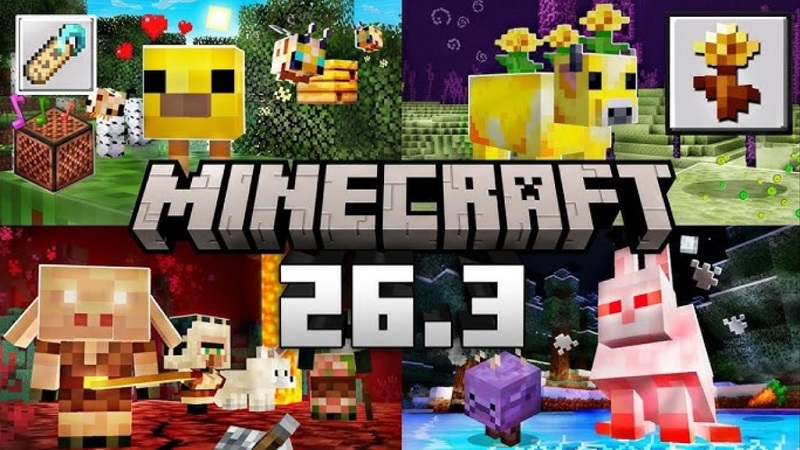
Minecraft PE 1.26.3.1 targets issues reported in previous builds, especially unexpected shutdowns during world loading or multiplayer sessions. Think of it as a maintenance update that quietly improves your overall experience.
If you play long survival sessions, host multiplayer worlds, or frequently join Realms, stability matters. A stable build means fewer disruptions and more time building, exploring, and surviving.
Version Information
Here’s a quick snapshot of the release details before we dive deeper.
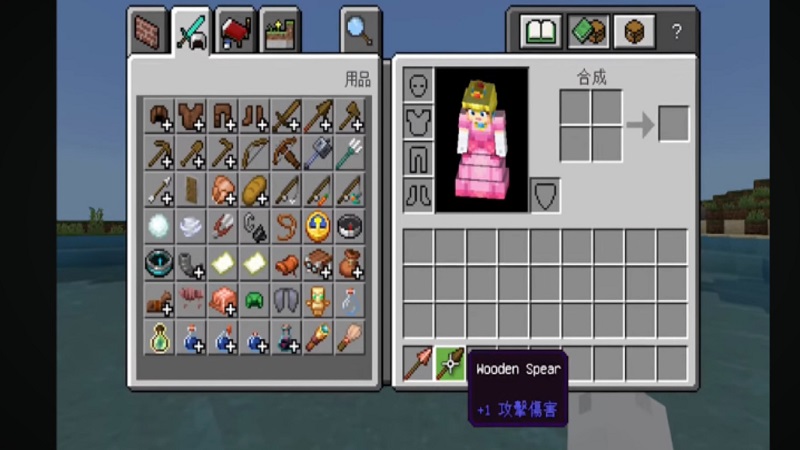
- Version: 1.26.3.1
- Edition: Bedrock Edition
- Release Date: March 2, 2026
- Update Type: Hotfix / Stability Patch
- Platforms: Android, iOS, Windows, Xbox, PlayStation, Switch
On Android, Minecraft PE 1.26.3.1 is distributed as the latest stable APK build, optimized for system performance and compatibility.
What’s Improved in Minecraft PE 1.26.3.1
This section breaks down the key changes. Each improvement focuses on smoother gameplay and better system handling.
Crash Fixes
Crash reduction is the core upgrade in Minecraft PE 1.26.3.1.
Players previously experienced:
- Game closing during world load
- Sudden exits while joining multiplayer
- Instability in large survival maps
This update improves memory management — meaning the game handles device resources more efficiently. In simple terms, your phone or tablet can process world data without overloading.
Realm connectivity has also been refined. You should notice fewer interruptions when switching between single-player and multiplayer modes.
Stability Enhancements
Beyond fixing crashes, this build improves general system stability.
- Smoother chunk loading
- Reduced background resource spikes
- More consistent frame pacing
If you use a mid-range Android device, these adjustments can make gameplay feel more fluid. It’s not about higher graphics — it’s about reliability.
Minor Bug Fixes
Small corrections also matter.
Minecraft PE 1.26.3.1 includes:
- Translation adjustments
- Minor system tweaks
- Background engine refinements
These changes improve overall polish without altering core gameplay mechanics.
Why Update to Minecraft PE 1.26.3.1
Before installing any update, you want to know: is it worth it?
Here’s what you gain:
- Lower crash frequency
- More reliable multiplayer sessions
- Improved world loading stability
- Better long-session performance
If you’ve ever lost progress because of a sudden shutdown, you understand how frustrating that feels. This stable release reduces that risk.
Even if you didn’t face major problems before, staying on the latest build ensures compatibility with servers and online features.
Minecraft PE 1.26.3.1 APK File Details
Before installing, it’s important to understand the technical basics. This helps ensure smooth setup and compatibility.
File Information
- File Name: Minecraft PE 1.26.3.1 APK
- Version Code: 1.26.3.1
- Package Name: com.mojang.minecraftpe
- File Size: Depends on device architecture
The APK format allows Android users to manually install the latest stable version when needed.
Device Requirements
To run Minecraft PE 1.26.3.1 smoothly:
- Android 8.0 or higher recommended
- Adequate free storage space
- ARM-based processor support
Meeting these requirements helps avoid installation errors and performance issues.
Compatibility
This version works on most modern Android devices. For safety, back up your worlds before updating. A quick backup ensures your progress stays protected.
How to Install Minecraft PE 1.26.3.1 APK
Installation is straightforward. Follow these steps carefully.
Installation Steps
- Download the Minecraft PE 1.26.3.1 APK file.
- Enable installation from trusted sources in device settings.
- Open the downloaded file.
- Follow on-screen prompts to complete installation.
- Launch the game and confirm the version number.
The process usually takes only a few minutes.
Important Notes
- Ensure sufficient storage before installing.
- Close background apps to prevent interruption.
- Restart your device if installation fails.
Simple steps, smooth results.
Safety and Stability Information
Always install Minecraft PE 1.26.3.1 APK from reliable sources. Keeping your device updated and maintaining free storage improves long-term performance.
Regularly backing up your worlds protects your progress. Stability updates like this focus on strengthening performance without changing your saved data or gameplay style.
Frequently Asked Questions
Is Minecraft PE 1.26.3.1 the latest version?
Yes. It is the latest stable hotfix build focused on performance improvements.
Does Minecraft PE 1.26.3.1 fix crashes?
Yes. It reduces crash incidents during world loading and multiplayer sessions.
Is multiplayer more stable now?
Yes. Online connectivity and Realm access have been optimized for smoother play.
Do I need to uninstall the previous version?
Usually no. You can install over the existing version, but backing up your worlds is recommended.
Final Thoughts
Minecraft PE 1.26.3.1 APK Latest Stable Update strengthens the foundation of your gameplay experience. No new mobs. No flashy additions. Just cleaner performance, reduced crashes, and better multiplayer stability.
If you care about smooth survival sessions and reliable online play, updating to Minecraft PE 1.26.3.1 is a smart move.