Zenith Visuals Shader for MCPE
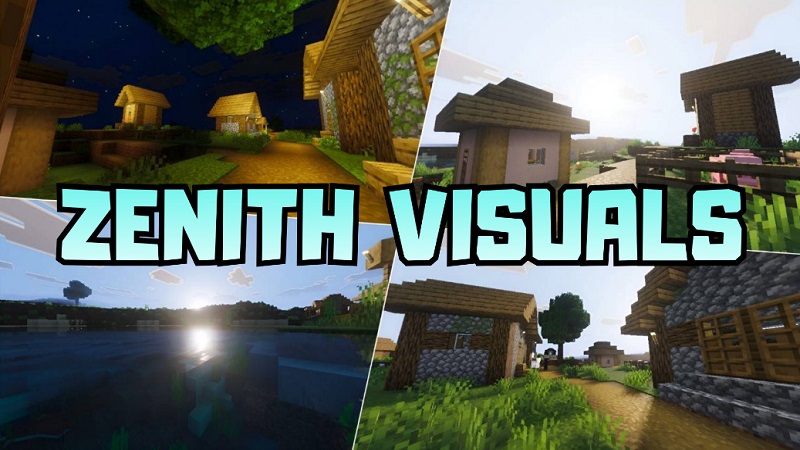
Zenith Visuals Shader for MCPE transforms the visual atmosphere of Minecraft Bedrock Edition while keeping performance stable on mobile devices. Instead of changing gameplay mechanics, this shader focuses on lighting, sky effects, water reflections, and natural color balance. The result is a world that feels deeper and more immersive — without losing the familiar Minecraft style you enjoy.
Whether you build modern houses, explore survival maps, or record gameplay clips, Zenith Visuals Shader enhances your experience in a way that feels smooth and practical.
What Happens When You Install Zenith Visuals Shader
The first time you load your world with Zenith Visuals Shader for MCPE, the upgrade is immediate. Minecraft still looks authentic — just more alive.
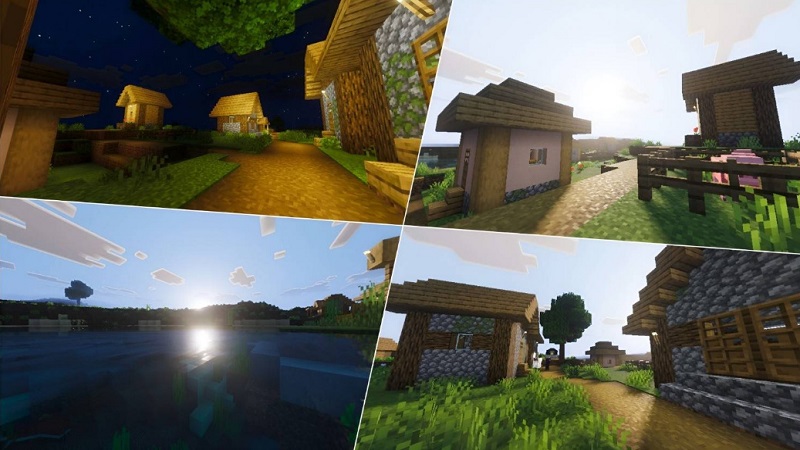
Sunlight spreads more evenly across terrain. Shadows form naturally around trees and structures. Instead of flat brightness, your world gains subtle depth. Villages look warmer. Mountains feel taller. Even a simple wooden house appears more refined.
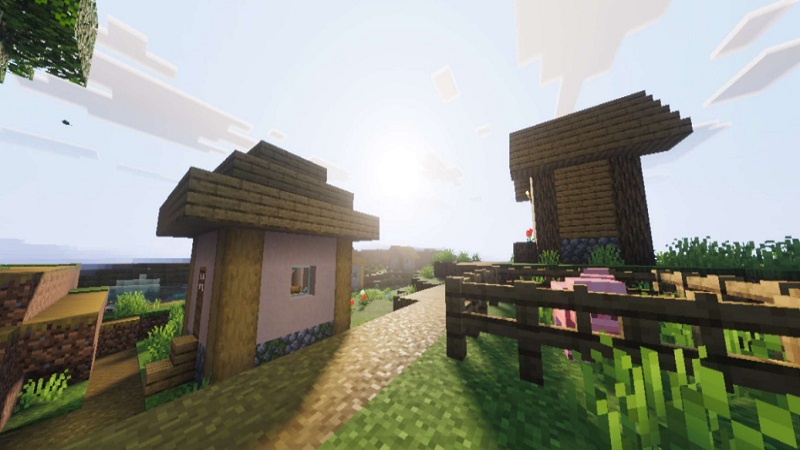
Water reflects light gently, adding realism to oceans and rivers. If you enjoy building near lakes or beaches, you will notice the difference right away.
Most importantly, survival gameplay remains unchanged. Mining, crafting, farming, and combat all work exactly the same. This shader enhances visuals — not mechanics.
Visual Transformation Breakdown
This is where Zenith Visuals Shader truly shows its value.
1. Dynamic Lighting & Shadows
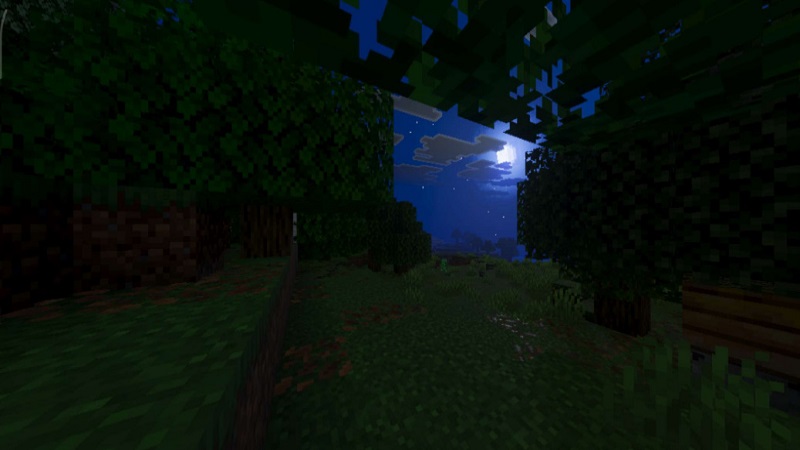
Lighting adjusts smoothly throughout the day-night cycle. As the sun moves, shadows shift in a natural way. Torches and lanterns emit softer light, improving indoor builds and nighttime exploration.
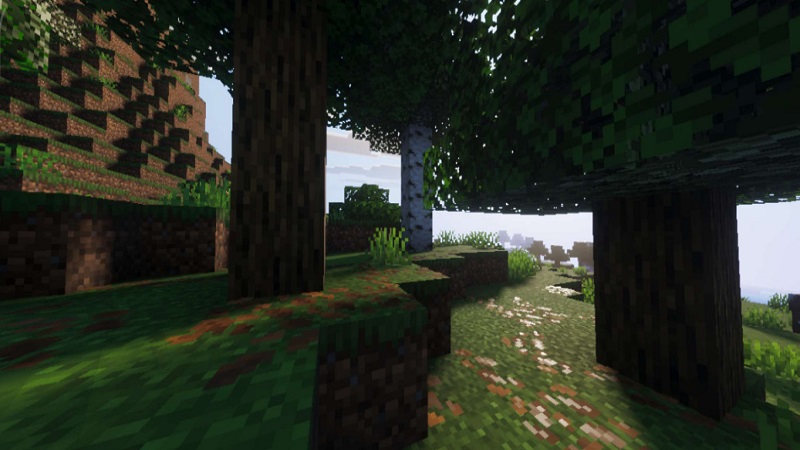
This makes your base feel more welcoming and less harsh under artificial lighting.
2. Realistic Water Effects
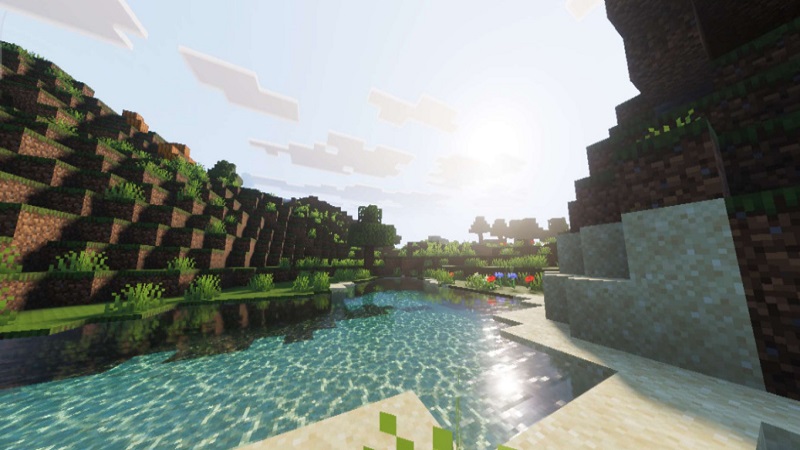
Water surfaces appear clearer and slightly reflective. Oceans shimmer under daylight. Rivers feel more fluid. Subtle animation adds movement without distracting from gameplay.
For builders like Alex who love designing docks or seaside villas, this feature improves presentation instantly.
3. Enhanced Sky & Atmosphere
The sky becomes more expressive. Sunsets display smoother color transitions. Clouds appear layered. Night skies feel calmer and more immersive.
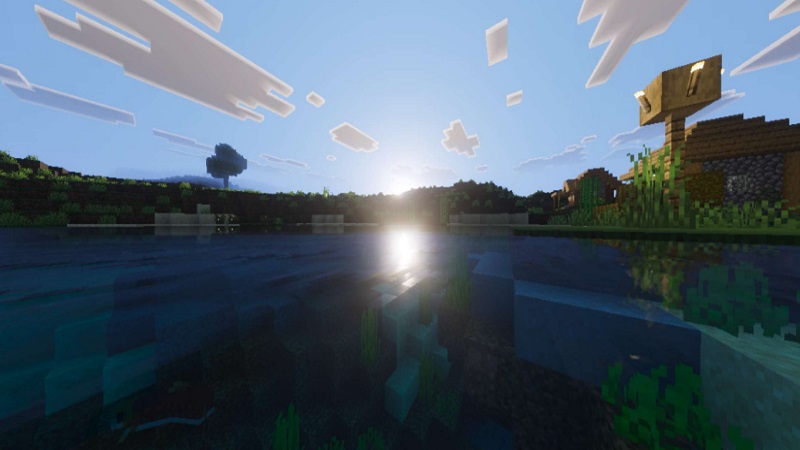
Exploration across plains, forests, or snowy biomes feels cinematic without becoming overwhelming.
4. Balanced Color Grading
Instead of oversaturated tones, Zenith Visuals Shader uses balanced color enhancement:
- Forest greens look richer
- Desert sand appears warmer
- Snow biomes feel brighter
- Grass textures gain subtle depth
This keeps the Bedrock aesthetic intact while improving visual clarity.
5. Subtle Environmental Motion
Grass and leaves move gently, adding life to the environment. These small details make your world feel active without reducing performance significantly.
Best Use Cases for MCPE Players
Zenith Visuals Shader works especially well in these scenarios:
- Survival Worlds: Exploration feels more atmospheric.
- Creative Builds: Lighting adds depth to modern houses and castles.
- Scenic Bases: Mountain, forest, or ocean builds look polished.
- Screenshots & Videos: Ideal for content creators who want cleaner visuals.
If you enjoy showing your builds to friends or sharing gameplay online, this shader helps your world stand out naturally.
Performance Reality Check
Performance matters on mobile. Zenith Visuals Shader is optimized for Bedrock Edition and designed to run smoothly on most mid-range devices.
What You Can Expect:
- Stable frame rates on supported devices
- Minimal lag with balanced settings
- Smooth survival sessions
Quick Optimization Tips:
- Lower render distance if needed
- Disable unnecessary fancy graphics
- Close background apps before playing
Device performance may vary, but this shader focuses on visual improvement without extreme hardware demands.
Who Should Use Zenith Visuals Shader?
This shader is ideal if you:
- Care about lighting quality in builds
- Enjoy immersive exploration
- Play Minecraft on mobile regularly
- Want better graphics without heavy FPS drops
- Customize your world with resource packs and add-ons
If you value visual enhancement but still want stable gameplay, Zenith Visuals Shader for MCPE fits your style.
Is Zenith Visuals Shader Worth It?
For MCPE players seeking a refined visual upgrade, Zenith Visuals Shader delivers a strong balance between realism and performance. It improves lighting, water rendering, sky effects, and biome color depth while preserving the core Minecraft identity.
It does not aim for extreme realism. Instead, it focuses on practical enhancement — smoother visuals, better atmosphere, and improved immersion.
If you want your Minecraft Bedrock world to feel refreshed without sacrificing playability, this shader is a smart and reliable choice.