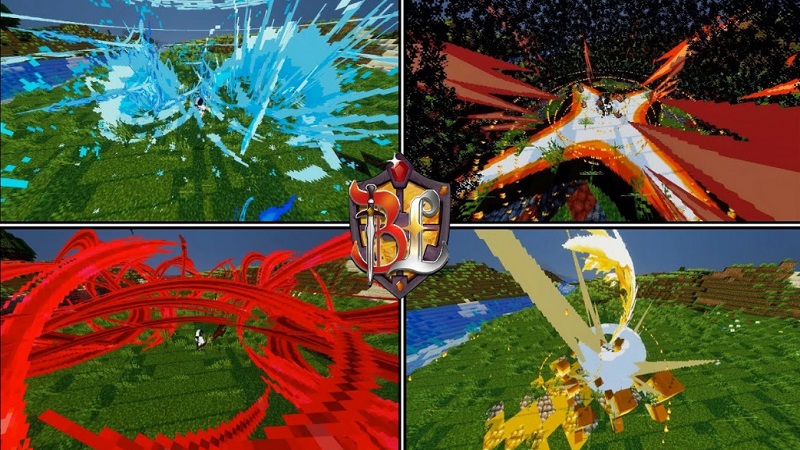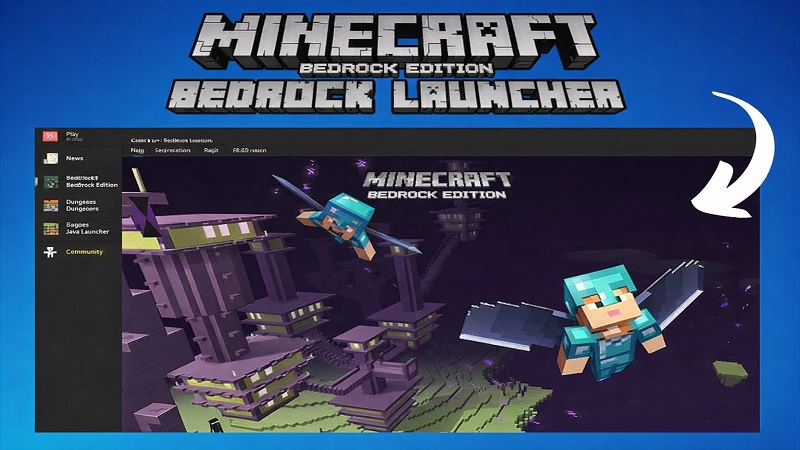
Bedrock Launcher MCPE Addons Made Easy
Minecraft Bedrock Edition, often called MCPE, gives you the freedom to play anywhere—on your phone, tablet, or PC. That flexibility is a big reason why so many players love it. At the same time, customizing MCPE with addons, texture packs, shaders, and maps can feel confusing, especially if you are dealing with files manually. Bedrock Launcher was created to simplify that experience and help you enjoy customization without distractions.
This guide explains why MCPE players customize their game, how Bedrock Launcher supports creativity, and why it fits naturally into everyday Bedrock Edition gameplay.
Why MCPE Players Customize Their Game
Customization keeps Minecraft Bedrock Edition fresh. Even though the vanilla game already offers endless possibilities, many players want their worlds to feel more personal.
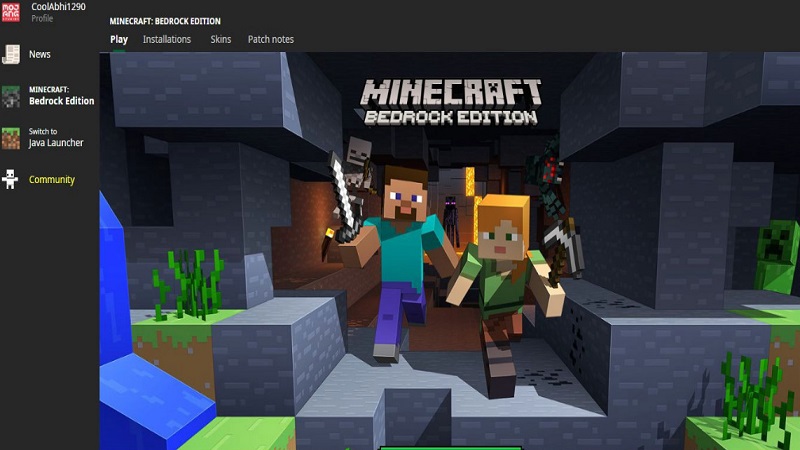
For MCPE players, customization usually means:
- Giving builds a unique look with resource and texture packs
- Exploring new locations through custom maps
- Adjusting visuals to match personal taste or device performance
- Adding variety while keeping the original Minecraft feel
Mobile players, in particular, value simplicity. You might only have a short time to play, and spending that time organizing files or fixing mistakes can break immersion. Most players want tools that let them focus on building, exploring, and creating—not on technical steps.
How Bedrock Launcher Supports Creativity
Bedrock Launcher removes many of the common barriers that slow down customization on MCPE. Instead of handling files one by one, you can manage addons, texture packs, shaders, and maps from a single, organized interface.
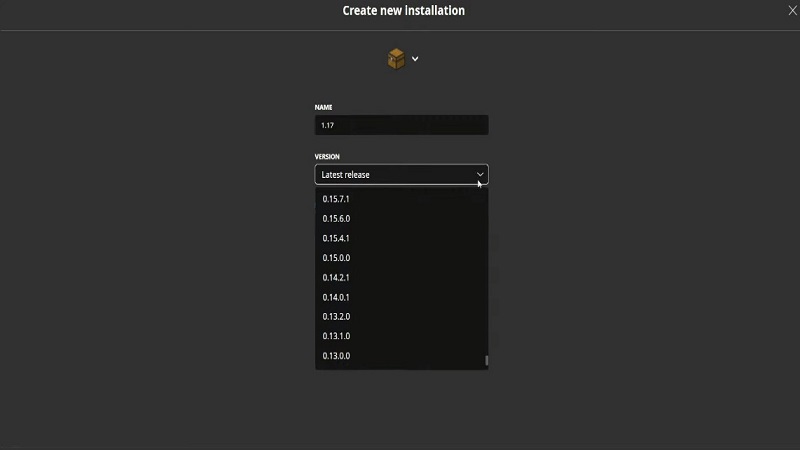
The launcher is built around a few simple ideas:
- Simplified access to MCPE addons and custom content
- Clear organization, so everything is easy to find
- Visual previews, helping you understand what you apply before loading a world
This structure makes experimentation easier. For example, if you want to test a new texture pack for a creative build, you can apply it quickly and see the result right away. If it does not fit your style, switching back takes only moments. That freedom encourages creativity without pressure.
Popular Use Scenarios
Bedrock Launcher fits naturally into how players already enjoy MCPE. Some of the most common use cases include:
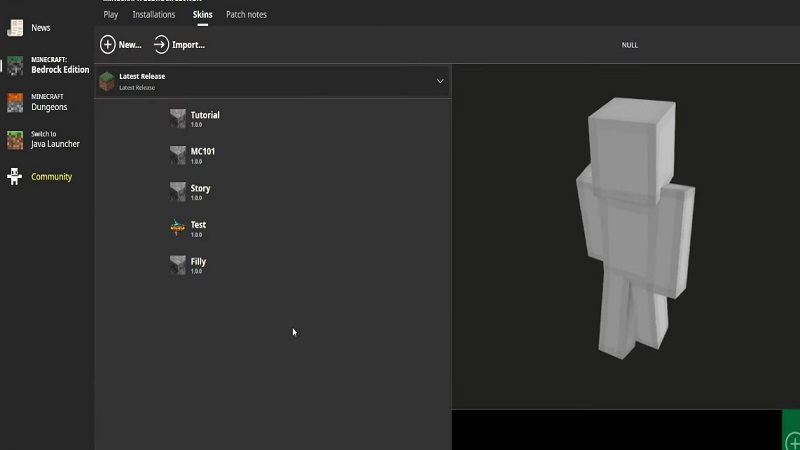
- Creative builders refining details with texture packs
- Explorers loading custom maps for new environments
- Visual-focused players testing shaders and lighting styles
- Casual players who enjoy variety without long setup steps
Imagine a player like Alex, who plays MCPE after school on a phone. Some days Alex builds houses, other days he explores maps. Quick access to addons makes it easy to adjust the game without wasting playtime.
Because MCPE sessions are often shorter, speed and clarity matter. Bedrock Launcher helps you get into the game faster.
Managing Multiple Play Styles
Most MCPE players do not stick to one play style. You might build creatively today and explore survival worlds tomorrow. Each style benefits from different addons and visual settings.
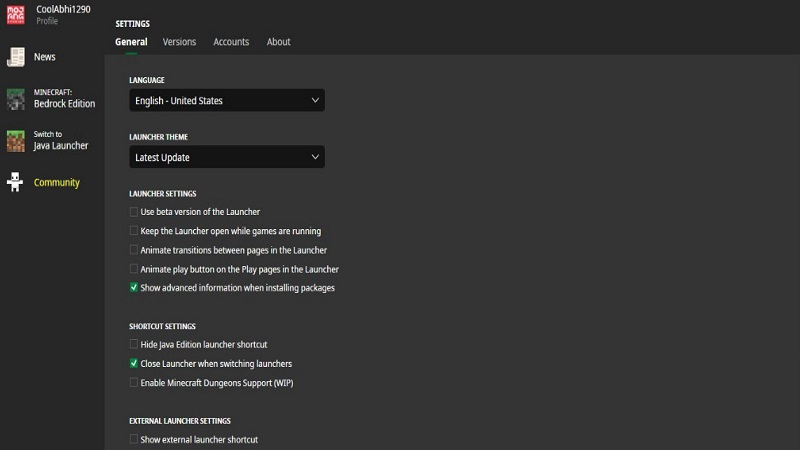
Bedrock Launcher supports this flexibility by helping you:
- Keep different types of content organized
- Switch setups without repeating the same steps
- Avoid clutter from unused addons or packs
This organization helps you experiment without feeling overwhelmed. Instead of rebuilding configurations every time, you can focus on enjoying Minecraft in different ways.
Designed for Everyday MCPE Play
A major strength of Bedrock Launcher is that it is designed for daily use. MCPE runs on many devices, from budget phones to more powerful systems, so performance awareness matters.
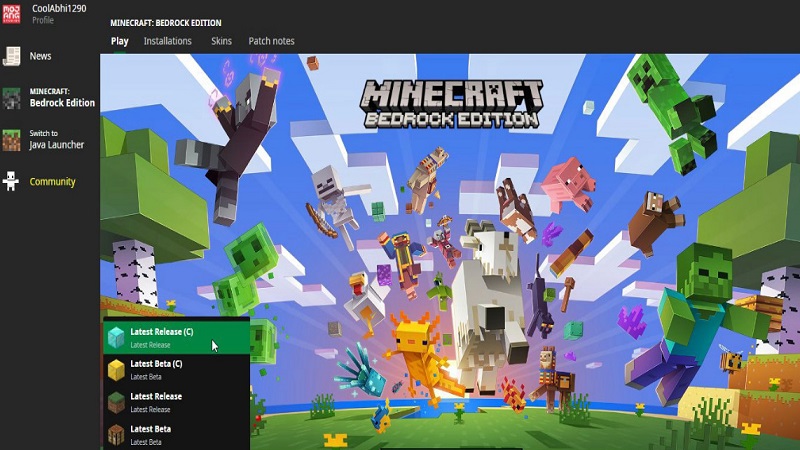
The launcher focuses on:
- A lightweight approach suitable for mobile devices
- A touch-friendly interface that feels natural on smaller screens
- A balance between customization and smooth gameplay
This makes Bedrock Launcher practical not just for testing addons, but for regular Minecraft play. It fits naturally into your routine without adding complexity.
Closing Summary
Bedrock Launcher offers a simple, organized way to manage MCPE addons and customization content. By focusing on usability, clarity, and performance awareness, it helps you personalize your Minecraft Bedrock worlds without unnecessary effort.
If you enjoy building, exploring, or adjusting visuals to match your style, Bedrock Launcher makes that process easier. It supports creativity while respecting how MCPE players actually play—quickly, casually, and creatively.