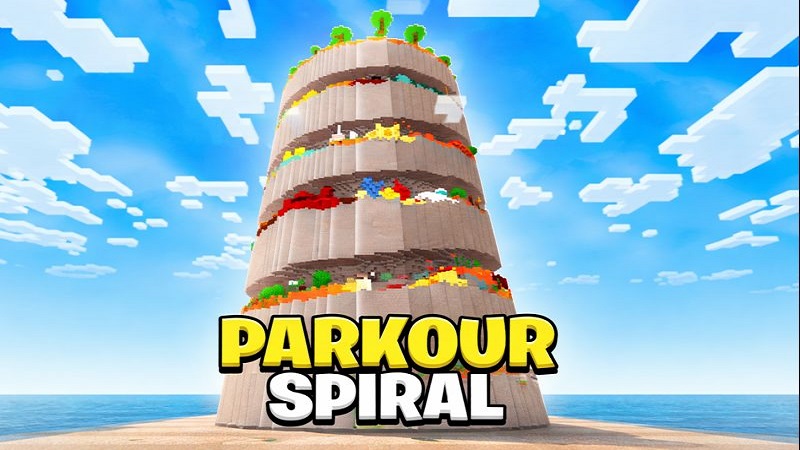
Parkour Spiral Map Vertical Parkour Tower
Parkour Spiral Map is a skill-focused Minecraft Bedrock parkour map designed to test your movement, timing, and precision through a unique vertical spiral climb. Built specifically for MCPE and Bedrock Edition, the map delivers smooth gameplay, clear progression, and a fair challenge that feels rewarding on mobile devices and other supported platforms.
If you enjoy parkour maps that focus on pure movement instead of distractions, Parkour Spiral Map offers a clean and structured experience that helps you improve step by step.
What Is Parkour Spiral Map?
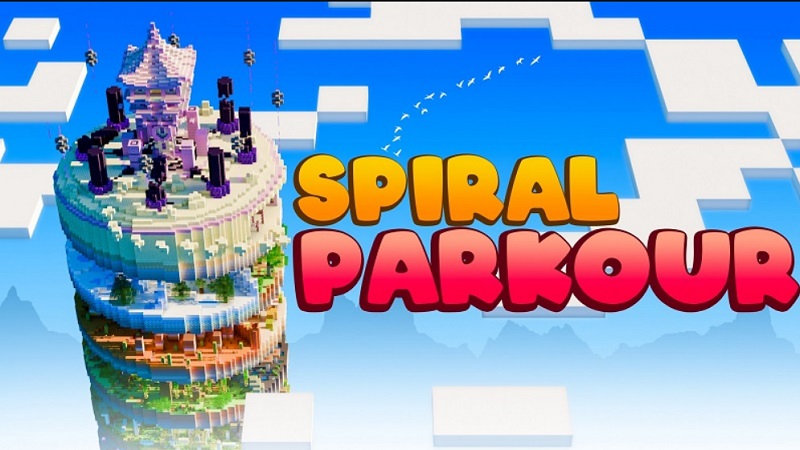
Parkour Spiral Map is a Minecraft Bedrock Edition parkour map centered around a tall spiral tower that players must climb from bottom to top. Instead of moving forward across flat parkour courses, you progress upward, following a circular path that wraps around the tower.
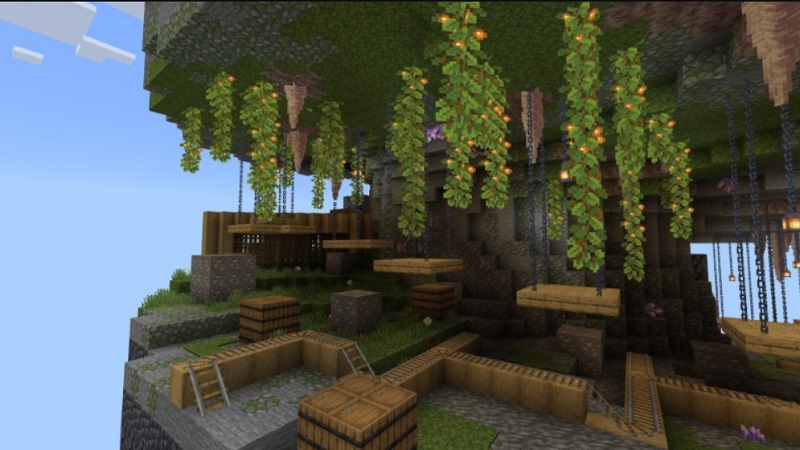
The goal is simple: reach the top by completing a series of increasingly challenging jumps. There are no enemies, puzzles, or hidden mechanics. Every section focuses on movement, positioning, and timing, making the experience easy to understand but difficult to master.
Designed with MCPE players in mind, the map works well on touch controls, tablets, and other Bedrock platforms. Whether you are new to parkour or already comfortable with jump-based challenges, Parkour Spiral Map provides a balanced and accessible way to test your skills.
How the Spiral Tower Works
The heart of Parkour Spiral Map – Vertical Parkour Tower is its upward spiral design. You start at the base of the tower and climb higher by following a continuous circular route. Each platform is placed to guide you naturally toward the next jump.
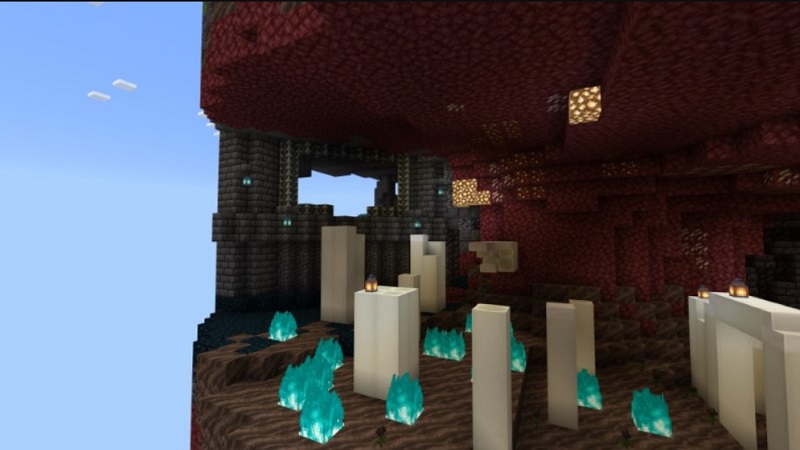
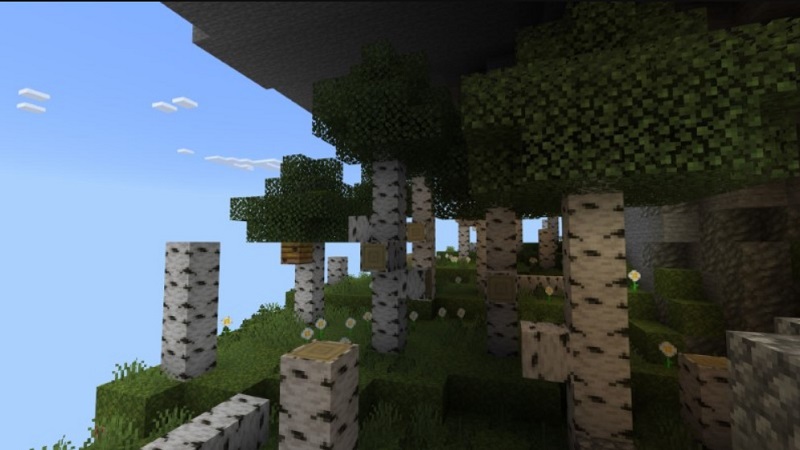
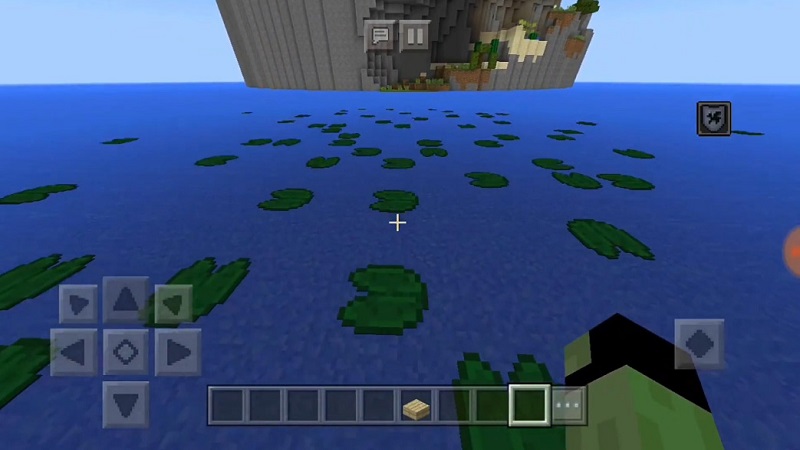
Early sections introduce basic sprint jumps and spacing to help you get comfortable. As you move higher, the jumps become more demanding, requiring better timing, momentum control, and camera movement. The difficulty increases gradually, so the challenge feels fair rather than overwhelming.
One advantage of the vertical design is clarity. Your progress is easy to see because every successful jump takes you higher. Falling is part of the learning process, and the spiral layout helps improve depth perception, which is especially useful when playing on MCPE touch controls.
Beginner-Friendly Features
Parkour Spiral Map is welcoming for players who are still learning parkour mechanics. The map uses a gradual difficulty curve, allowing you to build confidence as you climb.
Key beginner-friendly elements include:
- Well-placed checkpoints that prevent repeating large sections
- Clear platform layouts that are easy to read
- No sudden difficulty spikes that cause frustration
- No traps or misleading mechanics
These features help you focus on improving your movement skills rather than dealing with unnecessary setbacks. At the same time, the later sections still provide enough challenge to keep experienced players engaged.
Best Settings for Mobile Players
To get the best experience when playing Parkour Spiral Map on MCPE, adjusting a few in-game settings can make a noticeable difference.
Recommended settings include:
- Render Distance: Medium, for smoother performance
- Camera Shake: Off, for better jump accuracy
- Field of View (FOV): Set to a comfortable level for spatial awareness
The map runs smoothly using standard touch controls and does not require experimental features, addons, or special configurations. This makes it easy to install and play without extra setup.
Playing With Friends
Parkour Spiral Map supports both singleplayer and multiplayer gameplay. When playing with friends, the map becomes a fun competitive experience where everyone races to reach the top of the tower.
Because there is no PvP or combat, multiplayer sessions remain relaxed and friendly. You can take turns attempting difficult jumps, compare completion times, or challenge each other to finish with fewer falls.
The simple structure allows quick restarts, making it easy to replay the map together without changing settings or rules.
How to Improve Over Time
Improvement in Parkour Spiral Map comes from practice and repetition. Replaying sections helps build muscle memory and improves your understanding of jump timing and momentum.
To improve more effectively, you can:
- Practice sprint jumps consistently
- Adjust camera movement before landing
- Use checkpoints to repeat difficult sections
- Set personal challenges, such as timed runs or low-fall attempts
As you replay the map, you will notice better control and confidence, not only in this map but in other Minecraft parkour maps as well.
Conclusion Who This Map Is For
Parkour Spiral Map – Vertical Parkour Tower is ideal for MCPE players who enjoy skill-based challenges and want to improve their parkour abilities. Its clean design, clear progression, and mobile-friendly structure make it accessible without feeling too easy.
The map offers strong replay value for casual players, competitive racers, and anyone looking for a focused parkour experience in Minecraft Bedrock Edition. With fair difficulty and thoughtful design, Parkour Spiral Map provides a rewarding challenge that grows with you the more you play.