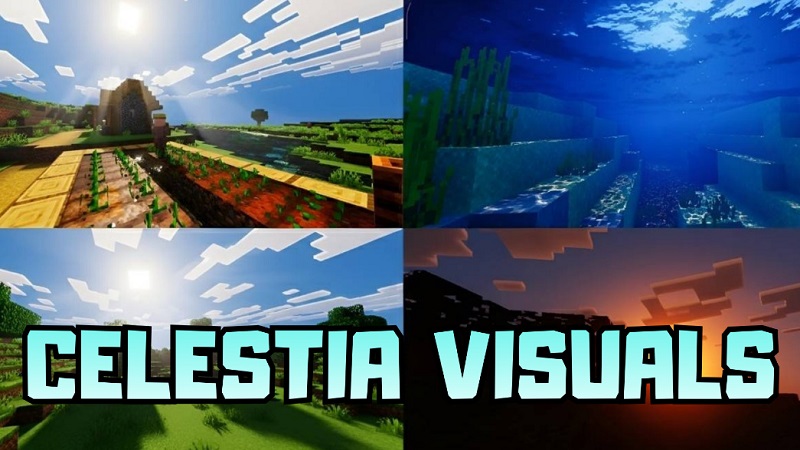
Celestia Visuals Shader Cozy Lighting for MCPE
If you play Minecraft Pocket Edition and want your worlds to look warmer, smoother, and more inviting, Celestia Visuals Shader is a visual add-on worth your attention. Designed specifically for MCPE and Minecraft Bedrock Edition, this shader improves lighting, color balance, and overall atmosphere without pushing the game into heavy realism or hurting playability on mobile devices.
Instead of dramatic effects or extreme shadows, Celestia Visuals Shader focuses on what most Bedrock players actually want: comfortable visuals, better mood, and consistency. The result is a world that feels more polished while still looking and playing like Minecraft.
Whether you spend your time in survival, manage an SMP, or record gameplay on your phone or tablet, this shader aims to enhance your experience without adding friction.
Why Creators Like Celestia Visuals Shader
Many MCPE creators choose Celestia Visuals Shader because it solves a common problem: inconsistent lighting. Mobile recording often means dealing with sudden brightness changes, harsh shadows, or flat colors. This shader smooths those transitions and keeps scenes visually balanced.
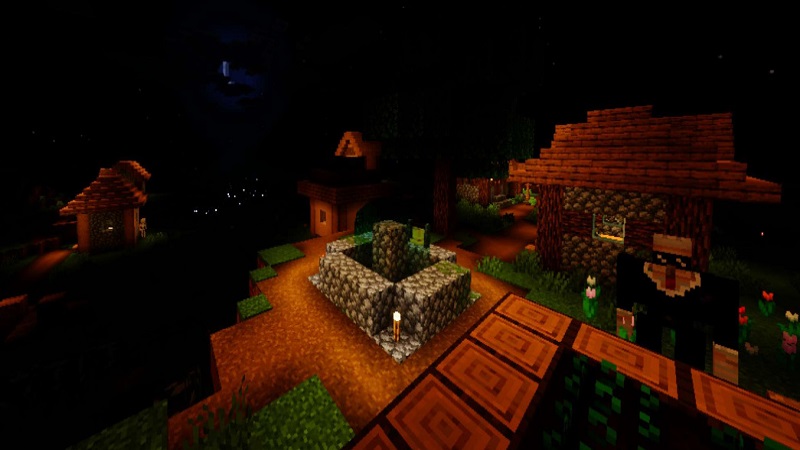
The warm lighting helps builds look good during the day, at sunset, and indoors. That’s a big advantage when you’re taking screenshots, recording a base tour, or flying through a world for a showcase video. You spend less time fixing visuals and more time creating.
Another reason creators appreciate this shader is its simple workflow. There are no complex settings to manage. Once installed, it works reliably across different worlds, making it easy to keep a consistent visual style. Over time, that consistency can become part of your identity as a creator.
Best Use Cases on MCPE
Celestia Visuals Shader fits naturally into several popular MCPE playstyles:
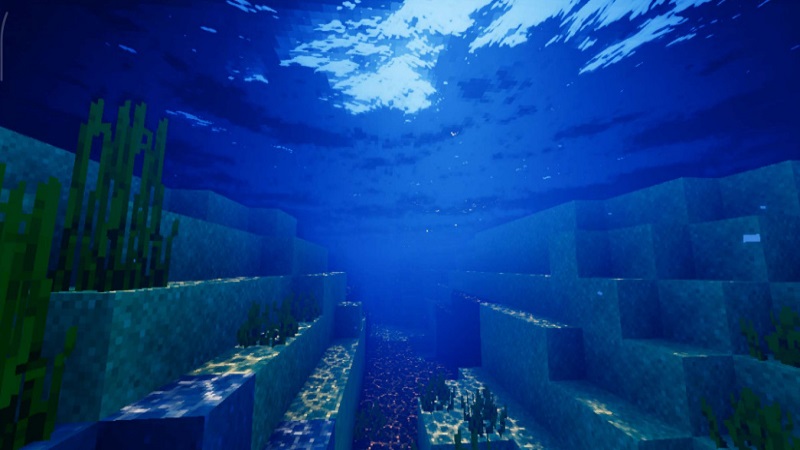
- Survival worlds: Warm interiors, clearer lighting, and a more relaxing feel during long sessions
- SMP servers and realms: Improved visuals without making caves or night-time gameplay frustrating
- Roleplay worlds: Softer lighting enhances towns, villages, and story-driven builds
- Creative showcases: Worlds and builds appear more refined in screenshots and videos
If you enjoy exploring, building, or sharing your world with others, this shader supports those activities without getting in the way.
Recommended Pairings and Visual Style
For the best results, pair Celestia Visuals Shader with simple or semi-realistic texture packs. These textures work well with the shader’s warm color grading and keep blocks easy to read on smaller screens.
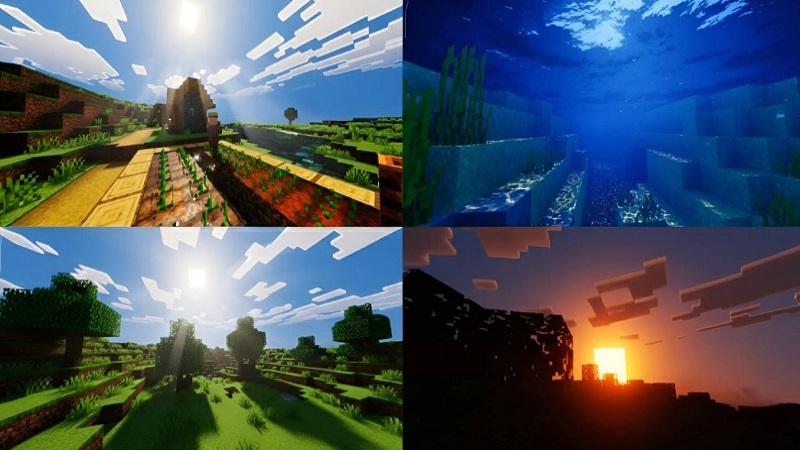
Natural materials such as wood, stone, leaves, and earth tones benefit the most. Avoid very noisy or ultra-detailed textures, as they can clash with the shader’s soft lighting and reduce clarity.
The shader also works well with default MCPE settings, which makes it easy to use across different devices and worlds without constant adjustment.
Performance for Recording and Daily Play
Performance matters on mobile, especially if you record gameplay or play for long periods. Celestia Visuals Shader is designed with that reality in mind. It improves visuals mainly through color and lighting balance, not heavy effects like advanced volumetric fog or intense post-processing.
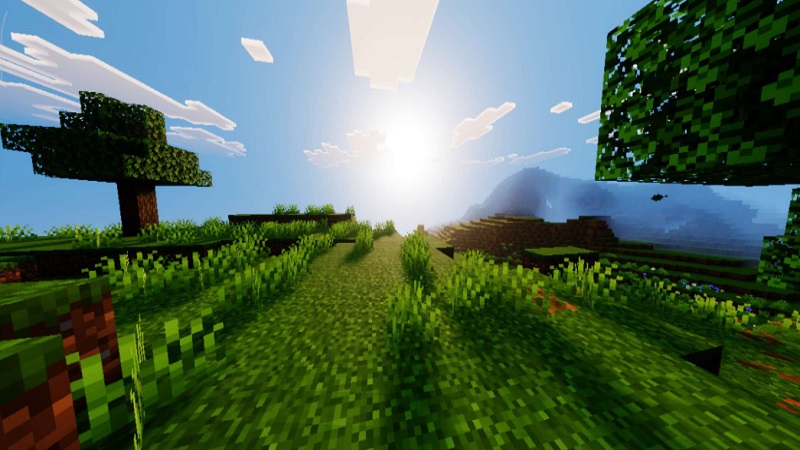
Because of this approach, the shader is generally suitable for mid-range MCPE devices and comfortable for extended sessions. The softer contrast can also reduce eye strain, which is a small but important detail for daily players and creators alike.
Installation and Setup
Installing Celestia Visuals Shader on MCPE is straightforward and beginner-friendly. Once applied, it works across survival, creative, and multiplayer worlds without separate profiles or complicated setup.
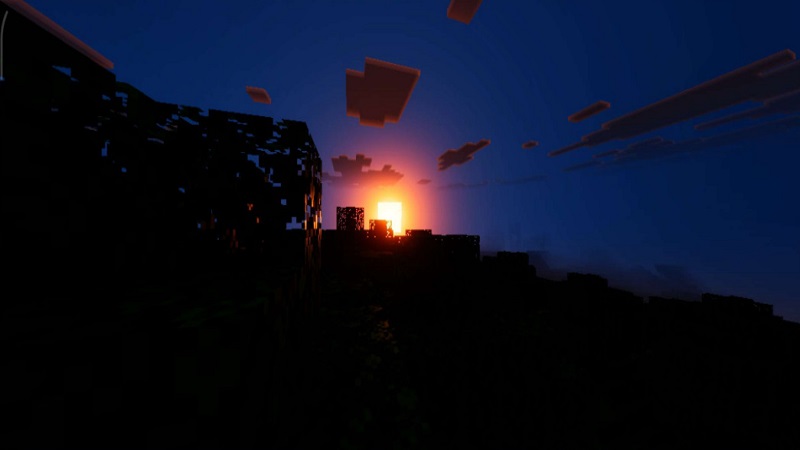
It’s a good idea to test the shader in different environments—your main base, forests, open terrain—to see how it fits your personal taste. As always, backing up important worlds before applying visual changes is recommended, especially when updating or switching shaders.
Final Thoughts
Celestia Visuals Shader is a solid choice for MCPE players who want cozy lighting, warm colors, and a cinematic atmosphere without losing the vanilla Minecraft feel. It suits creators, SMP players, and builders who value clarity, comfort, and consistency over extreme realism.
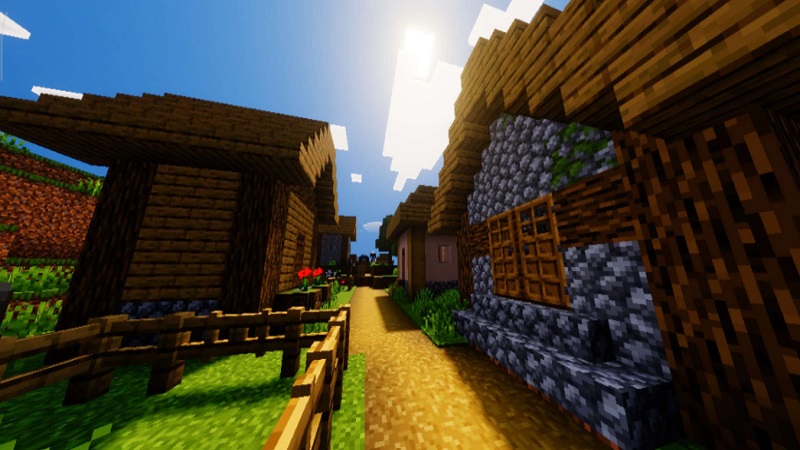
If you want your Minecraft Bedrock worlds to look better while still playing smoothly on mobile, Celestia Visuals Shader offers a balanced and practical visual upgrade that feels right at home in everyday gameplay.