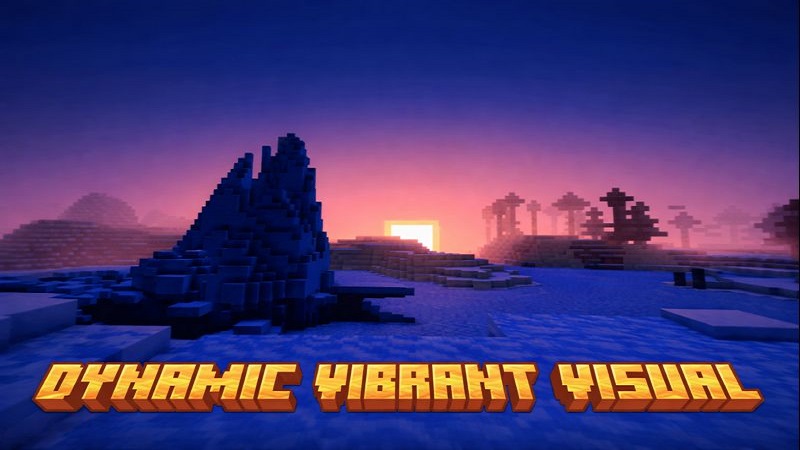
Dynamic Visual Shader Optimized Shader for Bedrock
Dynamic Visual Shader is a lightweight visual enhancement created specifically for Minecraft Bedrock Edition, with a clear focus on MCPE and mobile performance. If you enjoy Minecraft on your phone or tablet and want the game to look better without sacrificing smooth gameplay, this shader is designed for you. It improves lighting, shadows, and atmosphere while keeping the core gameplay exactly the same.
Many players hesitate to use shaders on mobile because of lag, overheating, or unstable frame rates. Dynamic Visual Shader takes a different approach. Instead of pushing extreme effects, it focuses on balance—enhancing visuals in a way that feels natural, stable, and suitable for everyday Bedrock gameplay on both mobile devices and PC.
Introduction to Dynamic Visual Shader
Dynamic Visual Shader is a visual addon built for players who want a cleaner, more immersive Minecraft experience without changing how the game works. It does not add new blocks, mobs, or mechanics. Instead, it upgrades how the world is rendered—making light behave more naturally and environments feel deeper.
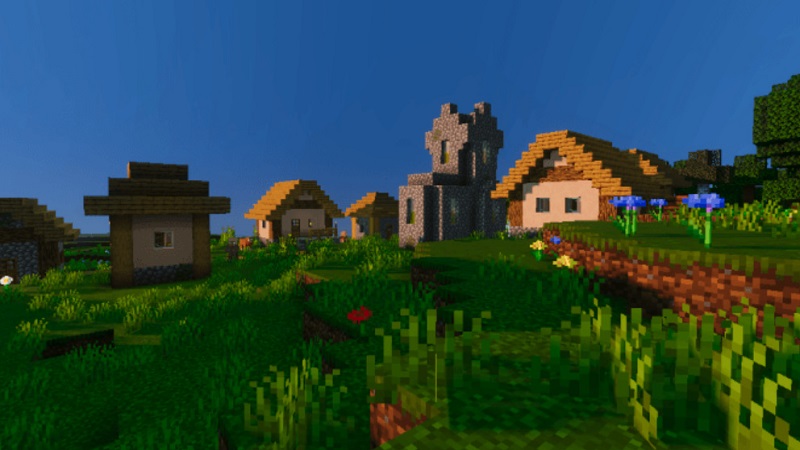
If you are a mobile player who spends time building, exploring, or surviving long nights in your world, this shader helps Minecraft feel more alive while staying reliable. It is designed for daily use, not just screenshots.
How the Shader Works in Bedrock (Simple Terms)
This shader works entirely on the client side, meaning it only affects how Minecraft looks on your screen. Your worlds, saves, and multiplayer sessions remain untouched. Friends can join your world without needing the shader themselves.
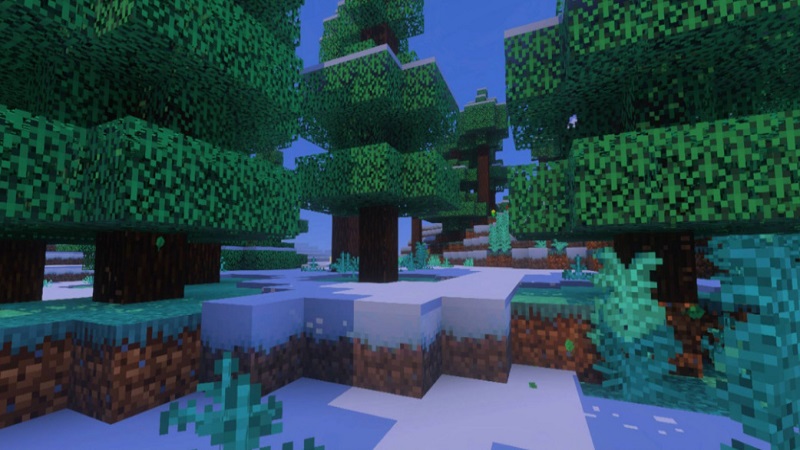
Because Minecraft Bedrock uses a different rendering system than Java Edition, shaders must be carefully optimized. Dynamic Visual Shader works within these limits by adjusting lighting behavior, shadow softness, and environmental effects without using unsupported features. This makes it safer and more compatible across Bedrock platforms.
Lighting, Shadows & Atmosphere Explained
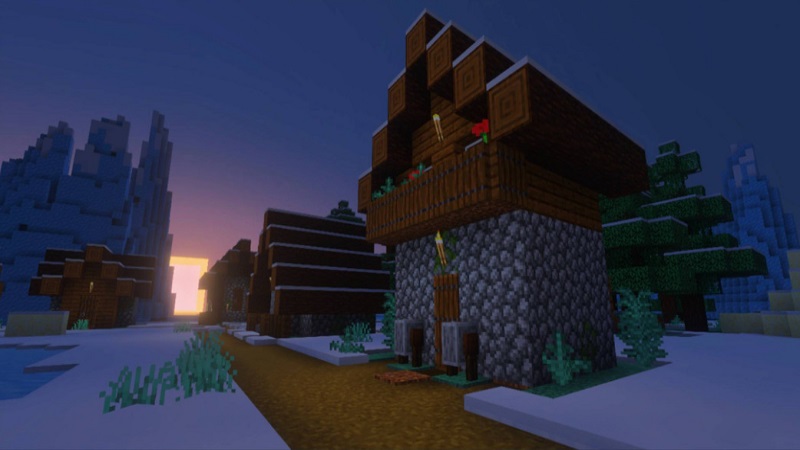
The most noticeable change you will see with Dynamic Visual Shader is improved lighting. Sunlight appears brighter and more directional, helping landscapes feel more dynamic during the day. Shadows become softer and more consistent, reducing the flat look often seen in vanilla visuals.
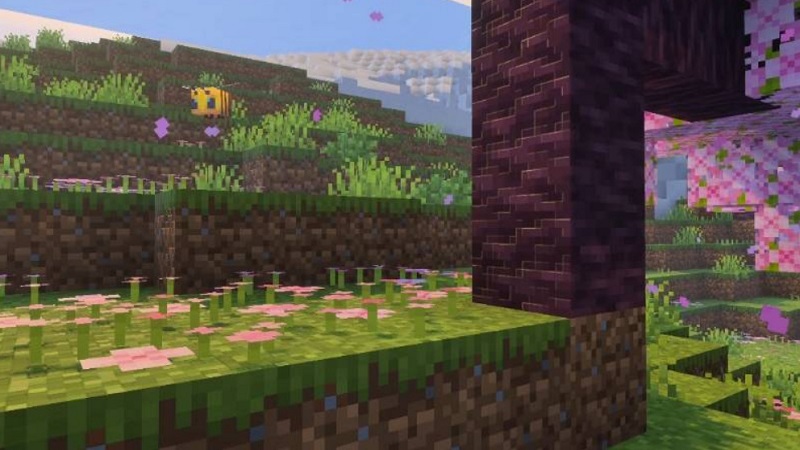
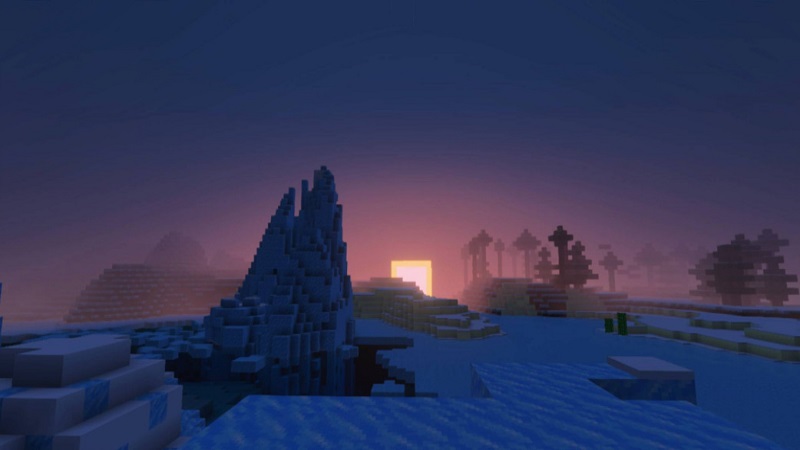
Atmospheric effects such as light fog add depth to caves, forests, and distant terrain. Light-emitting blocks like torches and lanterns stand out more clearly, improving visibility during nighttime exploration. These changes respect Minecraft’s original style while making the world feel more immersive.
Performance Optimization for MCPE
Performance is where Dynamic Visual Shader truly shines for mobile players. It is designed to enhance visuals without heavy post-processing, which helps maintain stable FPS on phones and tablets.
Instead of complex effects, the shader uses lightweight lighting calculations that reduce strain on mobile GPUs and CPUs. This results in smoother gameplay during building, exploration, and combat.
You can also adjust settings based on your device:
- Low settings for better FPS and battery life
- Medium settings for balanced visuals
- Higher settings for stronger lighting on capable devices
Because it avoids unnecessary rendering complexity, the shader also helps reduce heat buildup during long play sessions. All effects are visual-only, making it safe for multiplayer and Realms.
Device Compatibility Breakdown
Dynamic Visual Shader works on most modern Android devices that support Minecraft Bedrock Edition. Even low-end phones can benefit by lowering shader quality, while mid-range and higher-end devices can enjoy richer visuals.
It also runs on Bedrock for Windows, offering a consistent experience across platforms. Performance depends on your hardware, render distance, and in-game settings, but no special features like RTX support are required.
Supported Minecraft Versions
The shader is designed for recent Minecraft Bedrock versions, including updates around 1.20 and newer. Since Bedrock updates regularly, compatibility may depend on changes to the rendering system.
To avoid issues, always check version notes before installing and keep both Minecraft and the shader updated for the best experience.
Real-World Usage Scenarios
Dynamic Visual Shader fits naturally into many play styles:
- Survival gameplay, where lighting improves immersion
- Creative building, making structures look cleaner
- Exploration, especially caves and forests
- Daily MCPE sessions, thanks to stable performance
Its balanced design works well for both casual players and those who spend hours in their worlds.
Common Issues & Fixes
Some users may experience minor issues depending on device or settings:
- FPS drops → lower shader quality or render distance
- Visual glitches → reapply the shader or restart the world
- Update conflicts → wait for a compatible update
- Texture conflicts → test visual packs one at a time
Testing the shader in a separate world before long-term use is always a good idea.
Best Texture Packs to Pair With
Dynamic Visual Shader works best with vanilla-style or faithful texture packs. These preserve Minecraft’s original look while allowing lighting and shadows to stand out naturally. Avoid very high-resolution textures on mobile for smoother performance.
Final Thoughts on Stability & Longevity
Dynamic Visual Shader is a reliable choice for players who want better visuals without sacrificing performance. Its mobile-focused optimization, adjustable settings, and client-side design make it suitable for long-term MCPE and Bedrock play.
If you value smooth gameplay, visual clarity, and compatibility, Dynamic Visual Shader delivers a practical upgrade that fits naturally into everyday Minecraft.