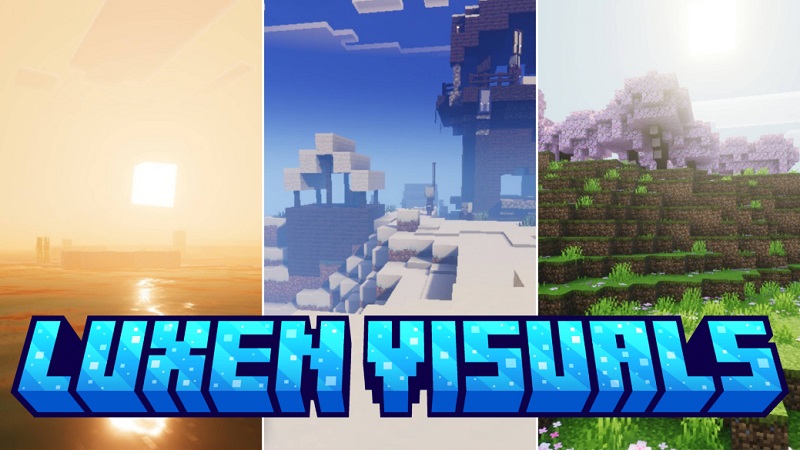
Luxen Visuals Shader Clean Graphics for Minecraft Bedrock
Minecraft Bedrock Edition players often face a familiar choice. You either keep vanilla graphics that feel a bit flat, or you try shaders that look impressive at first but quickly cause lag, overheating, or visual clutter—especially on mobile. Luxen Visuals Shader was created to sit comfortably in the middle.
Built with MCPE and Bedrock Edition in mind, Luxen Visuals Shader focuses on clean visuals, balanced lighting, and stable performance. It improves how the game looks without changing how Minecraft feels. If you want smoother visuals while keeping the original style intact, this shader is designed for you.
Luxen Visuals Shader What Players Like About It
The biggest reason players stick with Luxen Visuals Shader is reliability. It feels consistent, predictable, and comfortable during everyday gameplay. You enable it, load your world, and immediately notice subtle improvements—without spending time adjusting complex settings.
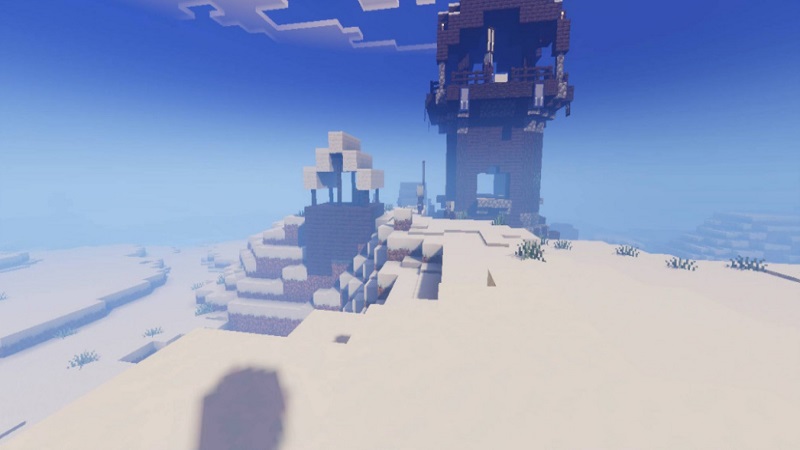
MCPE players often point out how:
- Lighting looks smoother and more natural
- Water appears cleaner without heavy reflections
- The world feels more refined, not redesigned
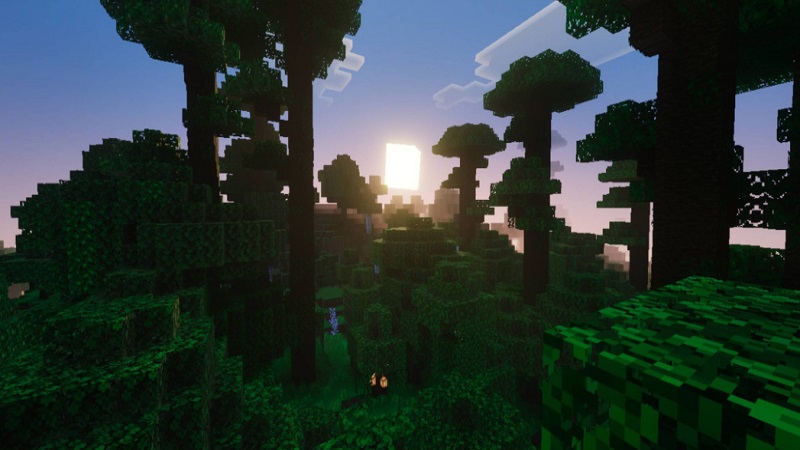
Whether you are mining underground, exploring a forest, or building a base, the shader keeps visuals stable across different environments. That consistency matters when you play regularly, not just for screenshots.
Clean Graphics Without Changing Minecraft’s Style
A key strength of Luxen Visuals Shader is its vanilla-plus design. Instead of pushing dramatic shadows or cinematic color filters, it refines what already exists.
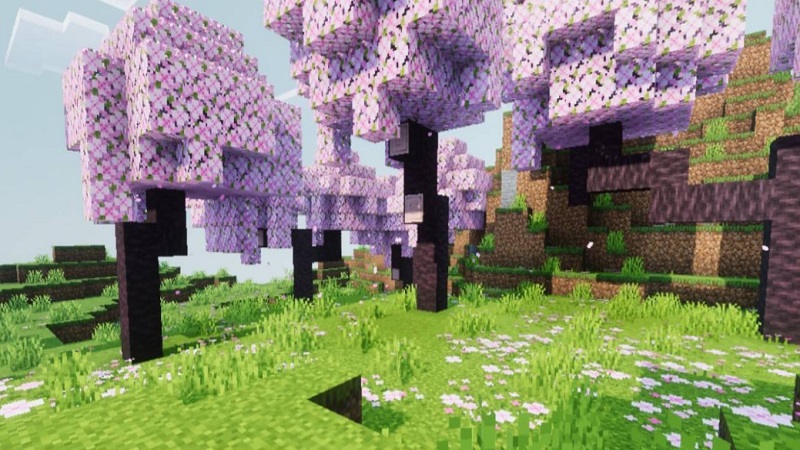
Lighting is softened to add depth while avoiding harsh contrast. Daytime looks bright but not washed out. Sunsets feel warmer without glowing effects. Nighttime visibility improves slightly, helping you navigate without making darkness disappear entirely.

Colors stay accurate. Grass remains natural green, stone keeps its neutral tone, and wood textures look familiar. This is important for builders who want their block choices to look the way they intended. On smaller MCPE screens, this clarity also reduces eye strain during longer sessions.
Simply put, Luxen Visuals Shader makes Minecraft look cleaner and more polished—without turning it into a different game.
How It Feels in Real Gameplay
In real gameplay, Luxen Visuals Shader feels calm and practical. Movement stays smooth, and block edges remain easy to read. There is no motion blur, heavy glow, or visual noise pulling your attention away from what you are doing.
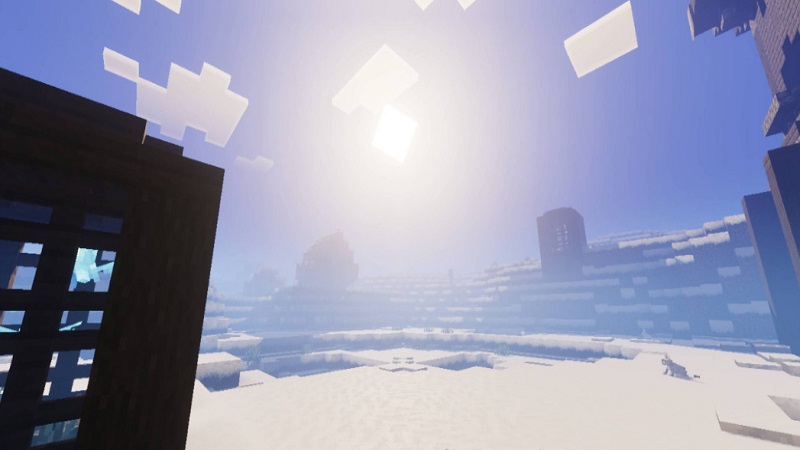
- Survival players benefit from clearer caves and more readable terrain
- Builders notice improved depth without color distortion
- Explorers enjoy landscapes that feel more cohesive and relaxed
The shader supports immersion while staying out of the way, which is exactly what many Bedrock players want for daily use.
Performance Experience on MCPE
Performance is where Luxen Visuals Shader truly earns its place. It is optimized for Android and iOS devices, including mid-range and older hardware.
Frame rates remain stable across most biomes, and the shader avoids sudden drops when lighting changes. Because it does not push advanced visual effects, it also helps keep device temperature and battery usage under control—an important detail for mobile players.

This makes Luxen Visuals Shader suitable for:
- Long survival sessions
- Regular building projects
- Everyday gameplay, not just short tests
Visual Highlights: Water, Lighting, and Clarity
Instead of trying to change everything, Luxen Visuals Shader focuses on a few areas that matter most:
- Lighting: Soft and evenly distributed, adding depth without harsh shadows
- Water: Smooth surfaces with gentle reflections that stay performance-friendly
- Clarity: Sharp textures and clean edges across all environments
Underwater visibility improves slightly, making ocean exploration and underwater builds more enjoyable without altering gameplay mechanics.
Best Settings Recommended by Players
Luxen Visuals Shader works well with default settings, but a few small adjustments can help on MCPE:
-
Render Distance:
-
Mobile: 12–16 chunks
-
Tablets or stronger devices: slightly higher if stable
-
-
Graphics Preset:
-
Use Favor Performance on lower-end devices
-
Use Favor Visuals if your device handles it smoothly
-
-
Brightness:
-
Adjust the in-game slider for deserts or snowy biomes
-
These simple tweaks help you find the right balance without complicated menus.
How to Install Safely on Bedrock
Luxen Visuals Shader is provided as a standard .mcpack file, making installation straightforward.
After importing the file:
- Activate the resource pack in your settings
- Enable it for your world
- Confirm the correct graphics mode is selected
The shader works well with most texture packs and addons, so you can use it alongside your existing setup without issues.
Who Will Enjoy This Shader Most
Luxen Visuals Shader is ideal for:
- MCPE and Bedrock players on mobile or mid-range devices
- Survival players who value clarity and performance
- Builders who want accurate colors
- Players who prefer vanilla-plus visuals
- Content creators who want clean screenshots
If you are looking for extreme realism or heavy cinematic effects, this shader may feel too subtle. For everyday play, however, it fits a wide range of play styles.
Known Limitations to Keep in Mind
This shader is intentionally restrained. It does not include advanced ray tracing or dramatic lighting effects. High-end PC players may find the changes modest, but that restraint is what keeps performance stable and visuals comfortable on Bedrock platforms.
Final Recommendation for MCPE Players
Luxen Visuals Shader is a well-balanced visual upgrade for Minecraft Bedrock Edition. It improves lighting, water, and overall clarity while keeping performance stable and gameplay smooth—especially on mobile.
If you want cleaner graphics without complexity, overheating, or visual overload, Luxen Visuals Shader is a smart choice for daily MCPE gameplay.